
Debugify - Fixes Over 70 Bugs in Minecraft
37.6M downloads • Rank: #546

Description
Debugify is the essential mod to fix over 70 bugs in Minecraft. Enhance your gaming experience and download Debugify now.
Debugify is a mod for Minecraft that has become an essential tool for any player looking for a smoother, bug-free gaming experience. This mod addresses over 70 bugs reported in the Minecraft bug tracker, ensuring that your adventure is as enjoyable as possible. If you've been dealing with frustrating issues, Debugify is the solution you've been waiting for.
Among the standout features of Debugify are bug fixes like the 'Shift-Scroll Fix', which improves inventory navigation, and 'ForgetMeChunk', which optimizes performance when loading chunks. Additionally, this mod includes adjustments for entity collision and FPS improvement, meaning you can enjoy a smoother, uninterrupted gameplay experience. It also offers an accessible configuration interface through the Fabric mod menu, allowing you to enable or disable specific fixes according to your needs.
Debugify is compatible with both clients and servers, meaning you can install it on both to enjoy its full benefits. Plus, you won't have compatibility issues with other mods, as there are no difficult conflicts and they can be used alongside Debugify to add advanced features. This makes it a perfect addition to any modpack you are using.
If you want to enhance your gaming experience and fix those annoying bugs that have been bothering you, don't hesitate to download Debugify. With constant updates and an active community behind this project, you can be assured that your game will remain optimized and problem-free. Try Debugify and transform your Minecraft experience today!
🎥 Video
Main File
Debugify 1.21.1+1.1
Recent Files
View all →Minecraft 1.21
Debugify 1.21.1+1.1
Debugify 1.21.11+1.2
Debugify 1.21.11+1.1
Frequently Asked Questions about Debugify
How to install Debugify?
To install Debugify, you first need to have Minecraft with Forge/Fabric installed. Download the mod's .jar file and place it in the 'mods' folder of your Minecraft directory. Restart the game and the mod will be available.
What Minecraft versions is Debugify compatible with?
Debugify is compatible with Minecraft versions 26.3, 26.2, 26.1.2, 1.21.11, 1.21.10.
Is Debugify free?
Yes, Debugify is completely free. You can download it directly from this page or from CurseForge.
Comments (0)
Did it work for you?
Tell us which Minecraft version and which loader you used (Forge, Fabric, NeoForge, Quilt). If it crashed or clashed with another mod, say so here: you will save the next reader an afternoon.
Loading comments...
🔗 Related Mods

A simple mod that adds fade-in animation for chunks!

A Fabric/NeoForge/Forge zoom mod that is powerful, lean, and pretty customizable. The zoom is yours!
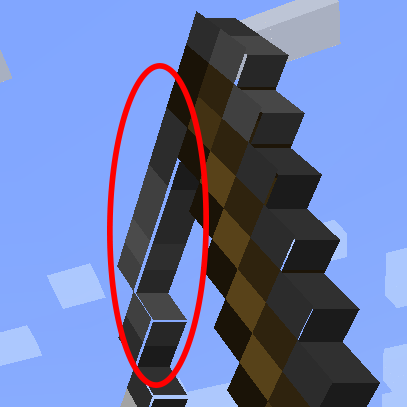
Fixes small gaps in item and block models
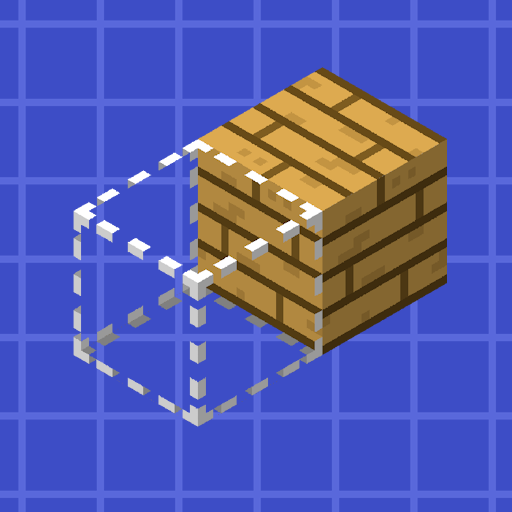
Reacharound Placement (Bedrock Bridging) for Forge, Fabric, & Quilt

Speed up immediate mode rendering in Minecraft

Crystal PvP tweaks client mod. Your ultimate cpvp assistance. Various tweaks that improve your performance without ruining the cpvp experience.
Explore the full category
🚀 Create your Minecraft Server
Compatible with all mods
Statistics
Downloads
37.6M
Popular Ranking
#546
Information
Created
March 20, 2022
Updated
September 28, 2026
Authors
isXander