
WorldEdit - The Essential Map Editor for Minecraft
66.4M downloads • Rank: #674

Description
WorldEdit is the mod for Minecraft that transforms building in the game. Download WorldEdit and take your creations to the next level.
WorldEdit is a mod for Minecraft that has become an essential tool for any builder and map creator. This powerful map editor allows for massive edits in the Minecraft world, making it easy to create complex and customized structures in seconds. With WorldEdit, you can select areas, copy and paste, and use a variety of brush tools to bring your most ambitious ideas to life.
Among the standout features of WorldEdit are its ability to handle block selections, the option to import and export schematics, and the ability to use scripts to automate tasks. This means you can create stunning landscapes or modify terrain quickly and efficiently, whether in creative mode or even temporarily in survival. The flexibility this mod offers is unparalleled and allows players to push their creativity to the limit.
WorldEdit is fully compatible with the Java version of Minecraft and works with platforms like NeoForge and Fabric. To install it, you just need to download the mod file and place it in your game's mods folder. Additionally, the mod comes with extensive documentation and tutorials on YouTube to help you make the most of it. It's important to mention that if you play on a server, only users with permissions can use WorldEdit, ensuring control over its use.
If you're a player looking to enhance your building experience in Minecraft, downloading WorldEdit is a decision you won't regret. With its active community and constant updates, this mod remains an essential tool for millions of players worldwide. Don't wait any longer and start creating your own masterpieces in Minecraft!
🎥 Video
Screenshots1

Main File
WorldEdit 7.4.6 (NeoForge/Fabric for MC 26.3)
Recent Files
View all →Minecraft 1.21
WorldEdit 7.4.2 (NeoForge/Fabric for MC 1.21.11)
WorldEdit 7.4.1 (NeoForge/Fabric for MC 1.21.11)
WorldEdit 7.4.0 (NeoForge/Fabric for MC 1.21.11)
Frequently Asked Questions about WorldEdit
How to install WorldEdit?
To install WorldEdit, you first need to have Minecraft with Forge/Fabric installed. Download the mod's .jar file and place it in the 'mods' folder of your Minecraft directory. Restart the game and the mod will be available.
What Minecraft versions is WorldEdit compatible with?
WorldEdit is compatible with Minecraft versions 26.3, 26.2, 26.1.2, 26.1.1, 26.1.
Is WorldEdit free?
Yes, WorldEdit is completely free. You can download it directly from this page or from CurseForge.
Comments (0)
Did it work for you?
Tell us which Minecraft version and which loader you used (Forge, Fabric, NeoForge, Quilt). If it crashed or clashed with another mod, say so here: you will save the next reader an afternoon.
Loading comments...
🔗 Related Mods
Plays a configurable sound when Minecraft loads and reaches the Main Menu, connects to a server or finishes reloading resources.

Adds some mod integrations for our favorite map mod
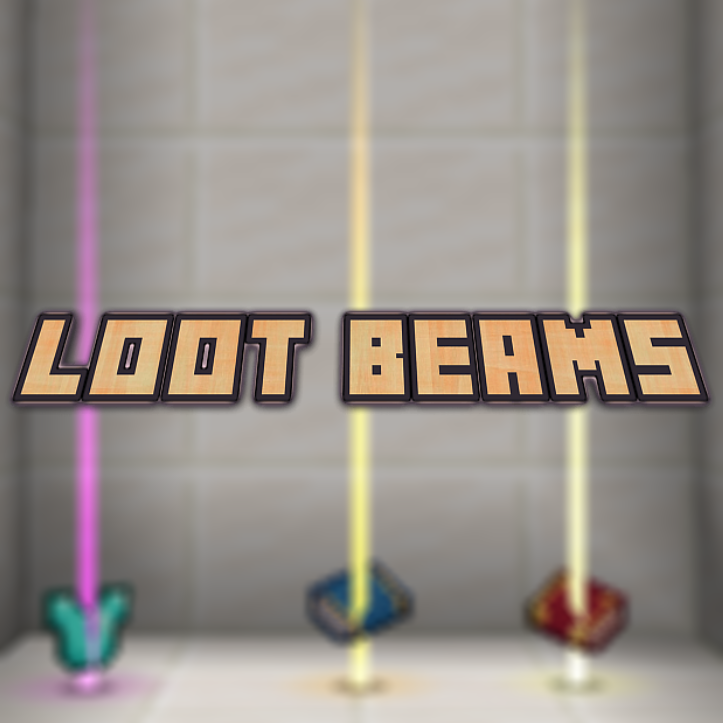
Loot items, guided by light!
The Book of Books. Store every documentation book in one.

Cleanroom's JEI fork for 1.12.2 with optimizations and more features
Minimalistic Functional Unit Frames for the modern Minecrafter
Explore the full category
Explore the full category
🚀 Create your Minecraft Server
Compatible with all mods
Statistics
Downloads
66.4M
Popular Ranking
#674
Information
Created
November 15, 2014
Updated
October 15, 2026
Authors
sk89q, wizjany_, octylFractal, me4502