
Ding (Forge) - Custom Sounds for Minecraft
65.5M downloads • Rank: #1092
Description
Ding is a mod for Minecraft that plays a configurable sound when loading the game and worlds. Enhance your gaming experience with this simple mod.
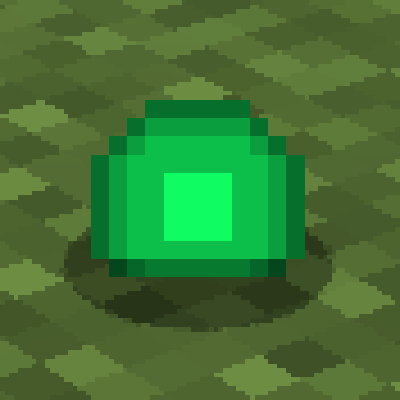
Ding (Forge) is a mod for Minecraft that adds a special touch to your gaming experience by playing a configurable sound at key moments. This mod is a must-have for those who want an auditory signal when the game loads, whether starting Minecraft or loading a world. With Ding, every time you hear the characteristic 'ding' of picking up an experience orb, you'll know everything is ready to start your adventure.
One of the standout features of Ding is its simplicity. It doesn't require complicated settings, making it an ideal choice for both beginners and experienced players. You can customize the sound that plays, allowing you to choose from different sound effects to suit your playstyle. This flexibility makes each gaming session unique and more immersive.
Ding is a mod that works exclusively on the client side, meaning it does not affect other players on a server. This makes it perfect for those who want to enjoy a personalized experience without interfering with others' gameplay. Additionally, it is fully compatible with Minecraft Forge, ensuring you can easily integrate it into your current setup.
If you're looking for a way to make loading moments more interesting and less monotonous, downloading Ding is an excellent option. This mod, while simple, can significantly enhance your gaming experience, making each login more exciting. Don't wait any longer and try Ding to enjoy a new sound dimension in your Minecraft adventures.
🎥 Video
Main File
[1.21.5 NeoForge] v 1.5.0
Recent Files
View all →Minecraft 1.21
[1.21.5 NeoForge] v 1.5.0
[1.21.5 Forge] v 1.5.0
[1.21.4 NeoForge] v 1.5.0
Minecraft 1.20
[1.20.6 NeoForge] v 1.5.0
[1.20.6 Forge] v 1.5.0
[1.20.4 NeoForge] v 1.5.0
Minecraft 1.19
[1.19.4 Forge] v 1.5.0
[1.19.3 Forge] v 1.5.0
[1.19.2 Forge] v 1.5.0
Minecraft 1.18
[1.18.2 Forge] v 1.5.0
Frequently Asked Questions about Ding (Forge)
How to install Ding (Forge)?
To install Ding (Forge), you first need to have Minecraft with Forge/Fabric installed. Download the mod's .jar file and place it in the 'mods' folder of your Minecraft directory. Restart the game and the mod will be available.
What Minecraft versions is Ding (Forge) compatible with?
Ding (Forge) is compatible with Minecraft versions 1.21.5, 1.21.4, 1.21.3, 1.21.1, 1.21.
Is Ding (Forge) free?
Yes, Ding (Forge) is completely free. You can download it directly from this page or from CurseForge.
Comments (0)
Did it work for you?
Tell us which Minecraft version and which loader you used (Forge, Fabric, NeoForge, Quilt). If it crashed or clashed with another mod, say so here: you will save the next reader an afternoon.
Loading comments...
🔗 Related Mods

Edit recipes, add new custom items, script world events, all in JavaScript!

In-game Minecraft map editor - build bigger things more quickly!
Add functionality for packdevs to modify global loot modifications through KubeJS
Real-time mapping in-game or your browser as you explore.
Bringing first-person animations to the third-person
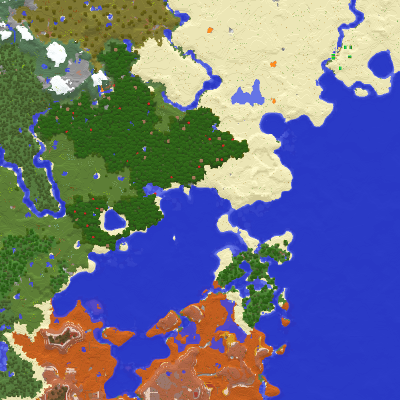
Displays the nearby world terrain, players, mobs, entities in the corner of your screen. Lets you create waypoints which help you find the locations you've marked.
Explore the full category
🚀 Create your Minecraft Server
Compatible with all mods
Statistics
Downloads
65.5M
Popular Ranking
#1092
Information
Created
June 5, 2015
Updated
May 10, 2025
Authors
iChun