
WATERFrAMES: Multimedia Displays - Create Your Own Cinema!
7.0M downloads • Rank: #1507
Description
WATERFrAMES is the Minecraft mod that allows you to display images, videos, and more on unique blocks. Download and transform your gaming experience!
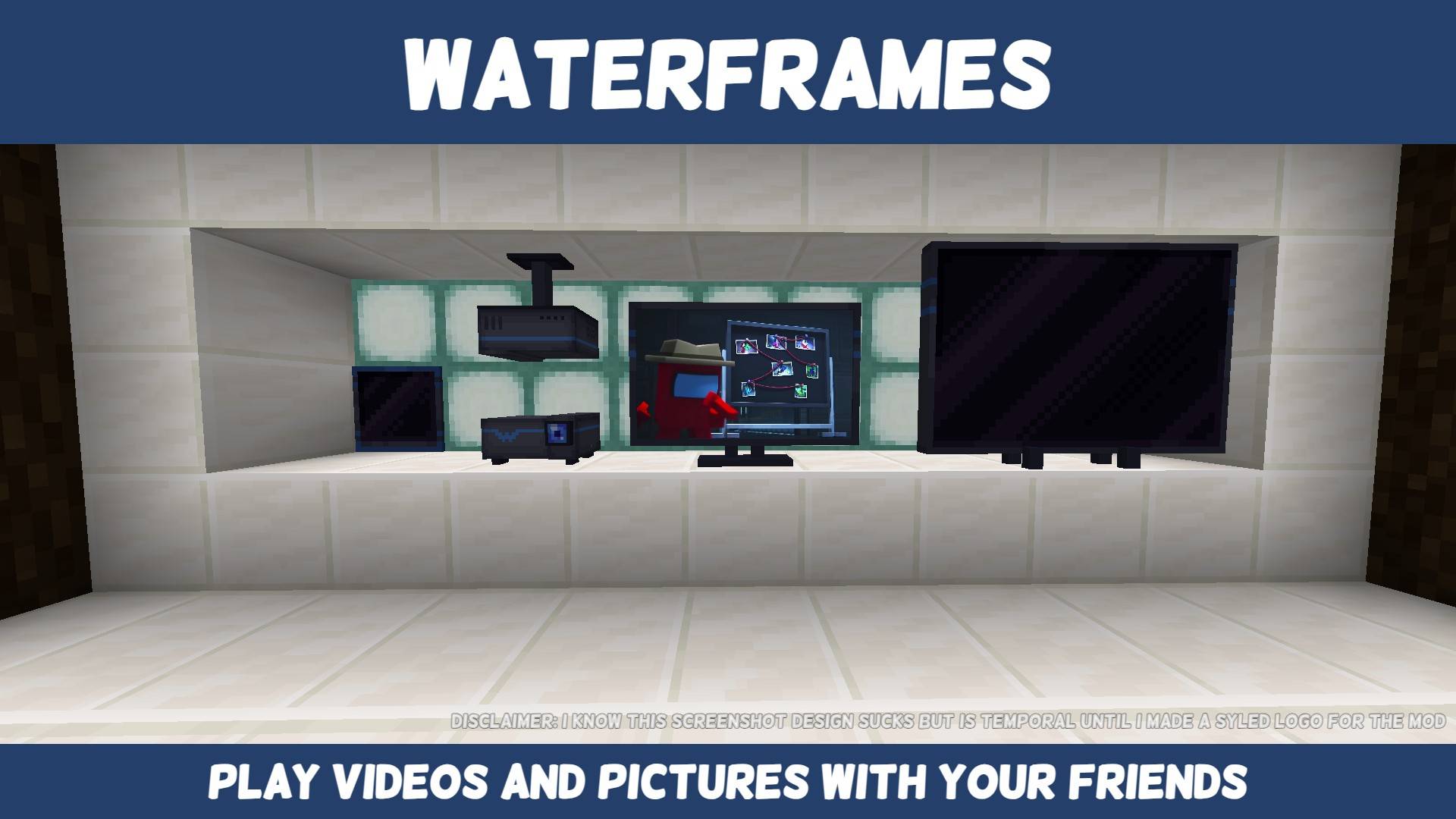
WATERFrAMES: Multimedia Displays is a mod for Minecraft that transforms the way you share and enjoy multimedia content in the game. With this mod, you can display images, videos, and GIFs on unique blocks, creating stunning visual experiences in your builds. Whether you want to project a movie or share memes with your friends, WATERFrAMES is a must-have for any server or survival world.
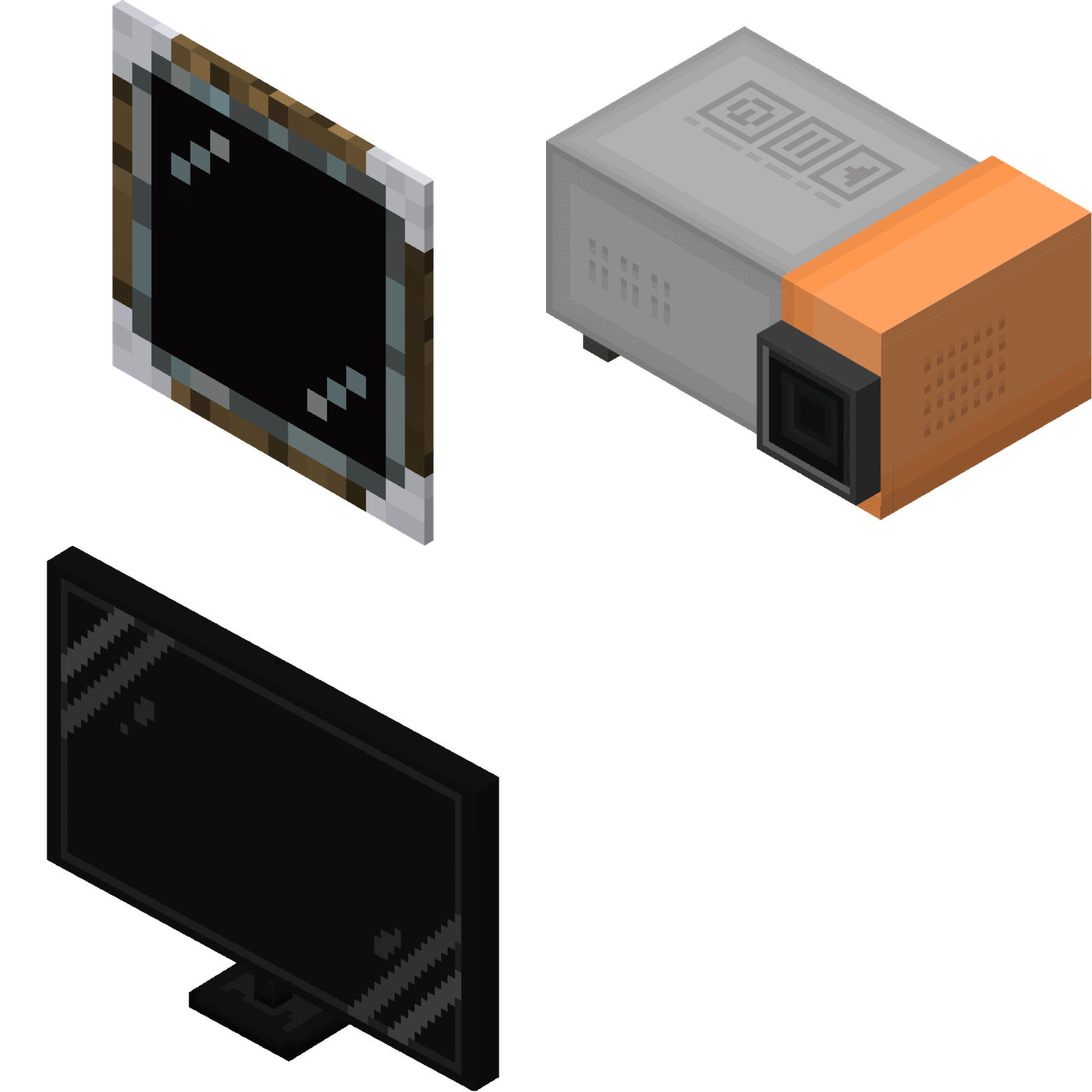
This mod offers multiple ways to display content, including frames, projectors, and televisions, all designed to be easy to use. With a remote control and simple commands, you can manage your displays from afar, adjusting the rotation, transparency, and brightness of each image or video. Additionally, it is compatible with popular platforms like YouTube, Twitch, and Google Drive, allowing you to access a wide variety of multimedia content.
WATERFrAMES is also highly configurable, making it ideal for server administrators. You can set up whitelists of URLs and game mode permissions, ensuring a safe and fun experience for all players. Integration with WATERMeDIA allows for the playback of local files, meaning you can display your own videos stored on your device, adding even more customization to your gaming experience.
This mod is compatible with other modifications that support video, making it a versatile option for any player. Moreover, its intuitive design and optimized performance ensure that it won't negatively impact your FPS, allowing you to enjoy your content without interruptions.
In conclusion, if you're looking for an innovative and entertaining way to enhance your experience in Minecraft, don't hesitate to download WATERFrAMES: Multimedia Displays. Join the community and share your creations while enjoying unforgettable moments with your friends in the game.
🎥 Video
Screenshots7
Main File
WF-FORGE/mc1.20.1/v2.2.0-beta.6
Recent Files
View all →Minecraft 1.21
WF-NEOFORGE/mc1.21.1/v2.1.23
WF-FABRIC/mc1.21.8/v2.1.22
WF-FABRIC/mc1.21.5/v2.1.22
Minecraft 1.20
WF-FORGE/mc1.20.1/v2.2.0-beta.6
WF-FORGE/mc1.20.1/v2.2.0-beta.5
WF-FORGE/mc1.20.1/v2.2.0-beta.4
Frequently Asked Questions about WATERFrAMES: Multimedia Displays
How to install WATERFrAMES: Multimedia Displays?
To install WATERFrAMES: Multimedia Displays, you first need to have Minecraft with Forge/Fabric installed. Download the mod's .jar file and place it in the 'mods' folder of your Minecraft directory. Restart the game and the mod will be available.
What Minecraft versions is WATERFrAMES: Multimedia Displays compatible with?
WATERFrAMES: Multimedia Displays is compatible with Minecraft versions 1.21.8, 1.21.5, 1.21.4, 1.21.1, 1.20.1.
Is WATERFrAMES: Multimedia Displays free?
Yes, WATERFrAMES: Multimedia Displays is completely free. You can download it directly from this page or from CurseForge.
Comments (0)
Did it work for you?
Tell us which Minecraft version and which loader you used (Forge, Fabric, NeoForge, Quilt). If it crashed or clashed with another mod, say so here: you will save the next reader an afternoon.
Loading comments...
🔗 Related Mods

Automatic in-game configuration menus for every mod!
![Fast Async World Save[Forge/Fabric]](https://media.forgecdn.net/avatars/920/973/638384996050010285.png)
Prevent lag-spikes and data loss during intermittent world saves

Speed up your world loading by removing unneeded chunks.
Improves performance by tweaking mob despawn rules.
![Chunk Sending[Forge/Fabric]](https://media.forgecdn.net/avatars/782/744/638130016628532924.png)
Optimizes chunk packet delivery

Fork of Shut Up Console - Tell those those annoy logs lines begone!
Explore the full category
Explore the full category
🚀 Create your Minecraft Server
Compatible with all mods
Statistics
Downloads
7.0M
Popular Ranking
#1507
Information
Created
March 14, 2023
Updated
June 22, 2026
Authors
SrRapero720