
Configured - Enhance Your Mods' Settings in Minecraft
131.8M downloads • Rank: #93
Description
Configured is a mod for Minecraft that simplifies managing other mods' settings with an intuitive interface. Download it and optimize your game!
Configured is a mod for Minecraft that transforms the way players manage the settings of other mods. This lightweight and user-friendly mod creates dynamic configuration menus for each mod that uses a compatible configuration system. If you've ever struggled with complicated settings, Configured is the tool you need to simplify your gaming experience.
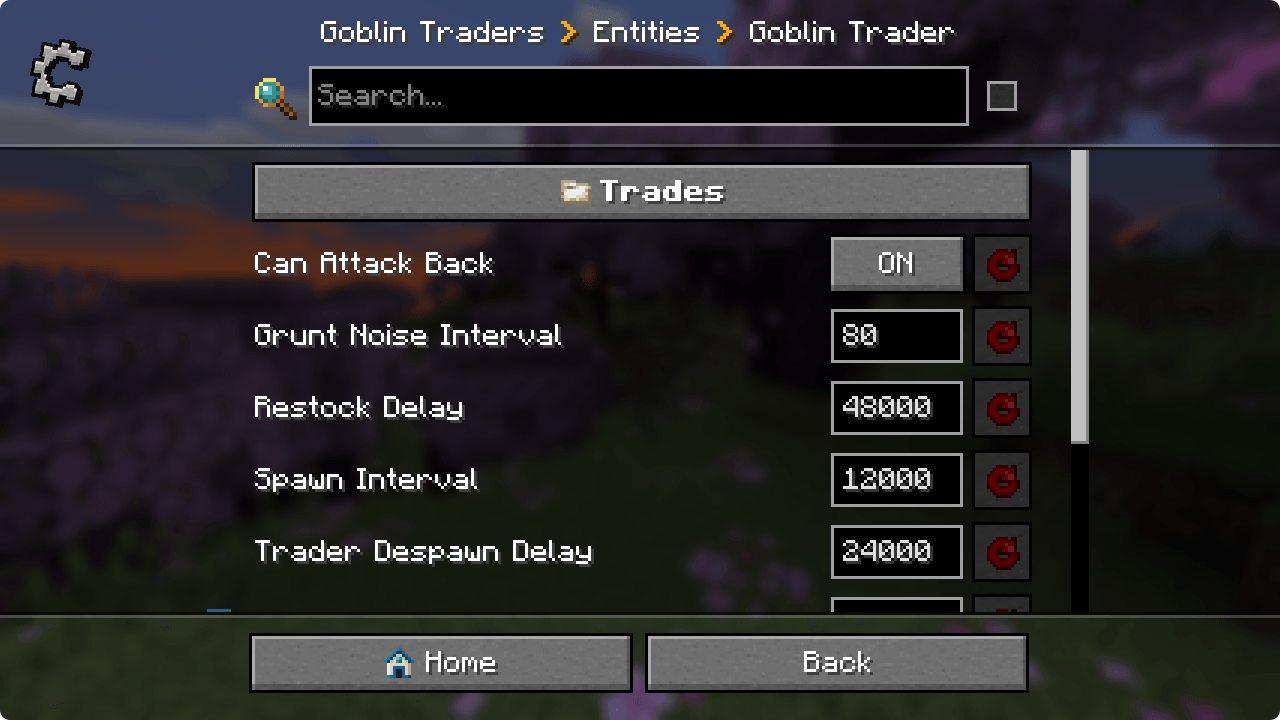
One of the standout features of Configured is its beautiful and intuitive graphical user interface (GUI). It allows players to edit mod settings directly from the game, making it easy to quickly modify properties without having to leave the Minecraft environment. Additionally, this mod is compatible with a wide range of configuration systems, including Forge and NeoForge, meaning it will work with most available mods.
Installing Configured is straightforward and does not require mod developers to do any extra work for their configuration menus to be generated automatically. This makes it an ideal choice for any modpack, as it can be added seamlessly. Furthermore, it offers optional support for developers to customize the background texture of their configuration menus, further enhancing the visual experience.
Another advantage of Configured is that it adds a new keyboard shortcut that allows you to open the mod list directly from the game, making access to settings even easier. With its focus on simplicity and functionality, this mod has become an essential tool for any player looking to optimize their experience in Minecraft.
In conclusion, if you're looking for a way to manage your mods' settings more efficiently, don't hesitate to download Configured. This mod not only enhances gameplay but also allows you to quickly and easily customize your experience. Try Configured and take your Minecraft adventure to the next level!
🎥 Video
Screenshots9
Main File
Configured 2.7.5
Recent Files
View all →Minecraft 1.21
Configured 2.7.4
Configured 2.7.4
Configured 2.7.3
Frequently Asked Questions about Configured
How to install Configured?
To install Configured, you first need to have Minecraft with Forge/Fabric installed. Download the mod's .jar file and place it in the 'mods' folder of your Minecraft directory. Restart the game and the mod will be available.
What Minecraft versions is Configured compatible with?
Configured is compatible with Minecraft versions 26.2, 26.1.2, 26.1, 1.21.11, 1.21.10.
Is Configured free?
Yes, Configured is completely free. You can download it directly from this page or from CurseForge.
Comments (0)
Did it work for you?
Tell us which Minecraft version and which loader you used (Forge, Fabric, NeoForge, Quilt). If it crashed or clashed with another mod, say so here: you will save the next reader an afternoon.
Loading comments...
🔗 Related Mods

Adds ranking system that lets you give certain players permissions, username formatting, etc.

Quick leaf decay from cutting down trees. Built for fast performance and mod compat!
![Lazy DataFixerUpper(LazyDFU) [FORGE]](https://media.forgecdn.net/avatars/359/41/637520662016454676.png)
Makes the initialization of DataFixerUpper "lazy"
Prickle is a JSON based configuration file format brought to Minecraft.
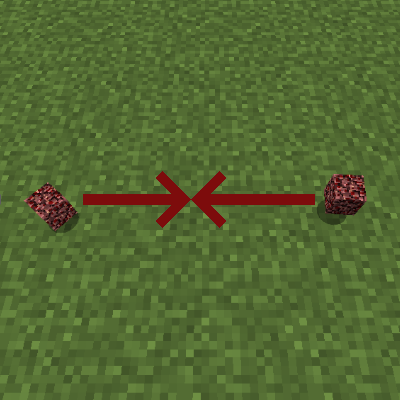
Adds tags and configuration options for defining how dropped items should combine.
![Chunk Sending[Forge/Fabric]](https://media.forgecdn.net/avatars/782/744/638130016628532924.png)
Optimizes chunk packet delivery
Explore the full category
Explore the full category
🚀 Create your Minecraft Server
Compatible with all mods
Statistics
Downloads
131.8M
Popular Ranking
#93
Information
Created
March 18, 2021
Updated
July 10, 2026
Authors
MrCrayfish