
TrashSlot - The Essential Mod for Managing Your Inventory
129.0M downloads • Rank: #104
Description
TrashSlot adds a trash slot to your inventory in Minecraft, allowing you to quickly and safely remove unwanted items. Download now!
TrashSlot is a mod for Minecraft that transforms the way you manage your inventory by adding a trash slot. This slot allows you to dispose of unwanted items quickly and safely, making it an essential tool for any player looking to optimize their gaming experience.
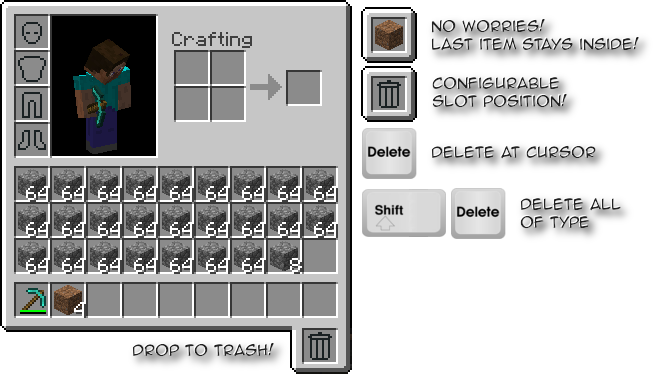
With TrashSlot, you can drag the trash slot to your preferred position on your screen, making it easily accessible at any time. Additionally, this mod allows you to recover the last item deleted, in case you change your mind. You can simply take the item out of the trash slot, adding a level of security to the deletion process.
The operation of TrashSlot is very intuitive: you can delete an item by simply dragging it to the slot or using the delete key to get rid of the item under the cursor. If you want to delete all items of the same type, you just need to press Shift + Delete. This functionality is especially useful when you are efficiently cleaning your inventory.
TrashSlot is compatible with the latest versions of Minecraft and works in NeoForge, Fabric, and Forge environments. For installation, it is necessary to have Balm, which must be installed alongside the mod. This ensures that all players on a server can enjoy this quality-of-life tool, making inventory management much smoother.
If you are looking to enhance your gaming experience in Minecraft and simplify your inventory management, downloading TrashSlot is a decision you won't regret. This mod is a perfect ally for players of all levels, so don't hesitate to try it and enjoy a more comfortable gameplay!
🎥 Video
Screenshots2
Main File
trashslot-neoforge-26.3-26.3.0.1.jar
Recent Files
View all →Minecraft 1.21
trashslot-forge-1.21.1-21.1.11.jar
trashslot-neoforge-1.21.1-21.1.11.jar
Minecraft 1.20
trashslot-fabric-1.20.6-17.0.1.jar
trashslot-fabric-1.20.4-16.0.1.jar
trashslot-fabric-1.20.2-16.0.0.jar
Minecraft 1.19
trashslot-fabric-1.19.4-14.0.1.jar
trashslot-fabric-1.19.3-13.0.1.jar
trashslot-fabric-1.19.2-12.1.0.jar
Minecraft 1.18
trashslot-fabric-1.18.2-11.0.3.jar
trashslot-fabric-1.18.1-11.0.2.jar
trashslot-fabric-1.18-11.0.1.jar
Minecraft 1.17
trashslot-fabric-10.0.0+0.jar
Frequently Asked Questions about TrashSlot
How to install TrashSlot?
To install TrashSlot, you first need to have Minecraft with Forge/Fabric installed. Download the mod's .jar file and place it in the 'mods' folder of your Minecraft directory. Restart the game and the mod will be available.
What Minecraft versions is TrashSlot compatible with?
TrashSlot is compatible with Minecraft versions 26.3, 26.2, 26.1.2, 26.1.1, 26.1.
Is TrashSlot free?
Yes, TrashSlot is completely free. You can download it directly from this page or from CurseForge.
Comments (0)
Did it work for you?
Tell us which Minecraft version and which loader you used (Forge, Fabric, NeoForge, Quilt). If it crashed or clashed with another mod, say so here: you will save the next reader an afternoon.
Loading comments...
🔗 Related Mods
A bunch of different functionality, neatly packaged in different modules that can be disabled and enabled depending on the users needs. Also has an angel block, snad, fluid hopper and a redstone clock.
Adds Curios API support to Corpse

The best way to play Minecraft. Enhanced Minecraft features in one simple mod. Fast, friendly, and for everyone!
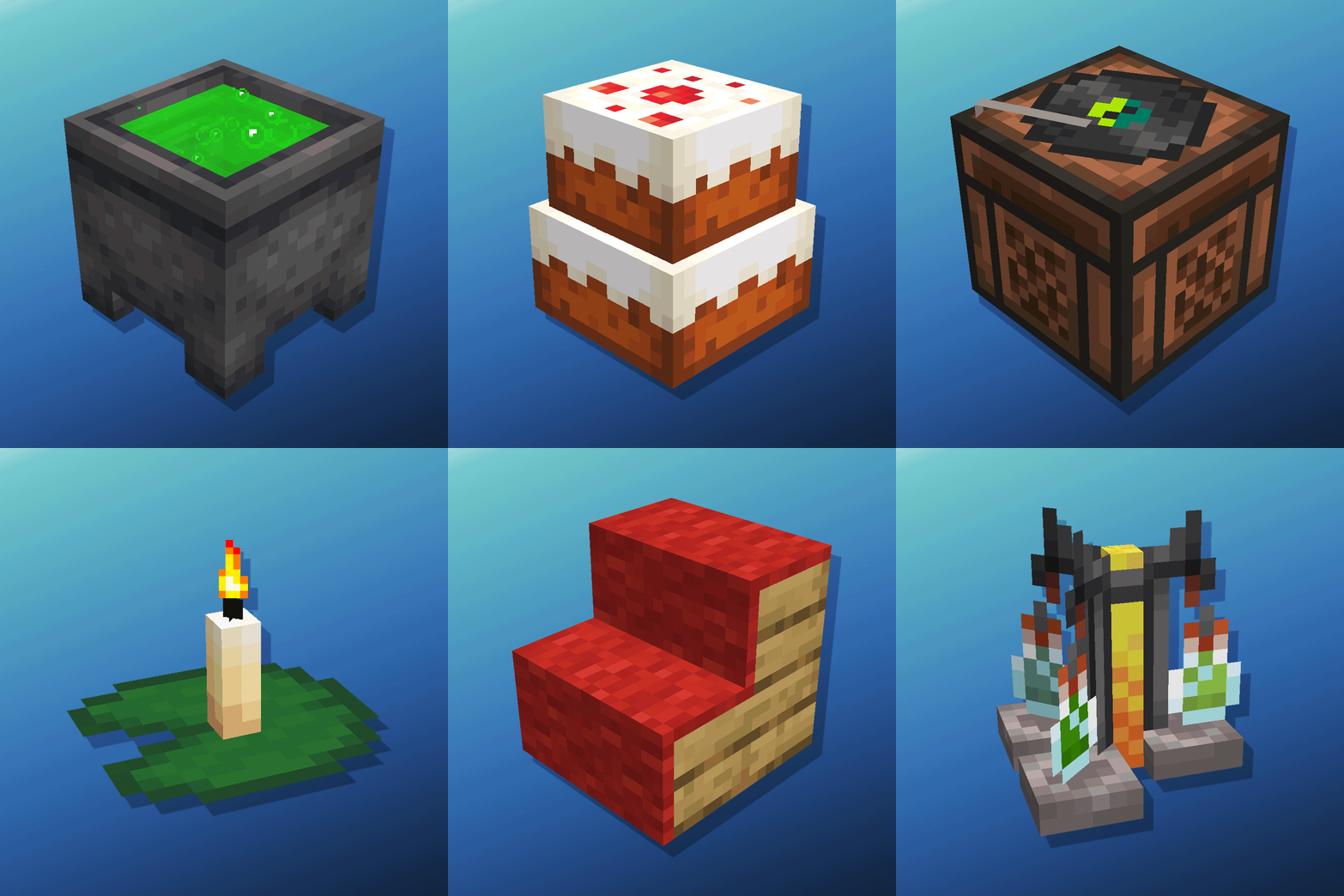
Cauldron Potion Mixing, Lanterns Animation, Carpeted Stairs, Candle Skulls, Double Cakes, Better Lilypads and much more

Removes the chat report button from the game menu screen
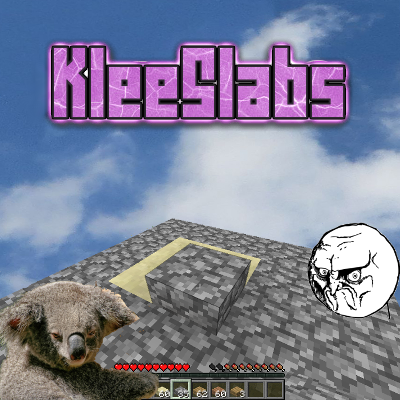
Break only the half of a double slab that you're looking at.
Explore the full category
🚀 Create your Minecraft Server
Compatible with all mods
Statistics
Downloads
129.0M
Popular Ranking
#104
Information
Created
August 31, 2015
Updated
September 16, 2026
Authors
BlayTheNinth