
No Report Button - Removes the Report Button in Minecraft
18.2M downloads • Rank: #868

Description
No Report Button is a mod that removes the chat report button in Minecraft, enhancing your gaming experience. Download it now!
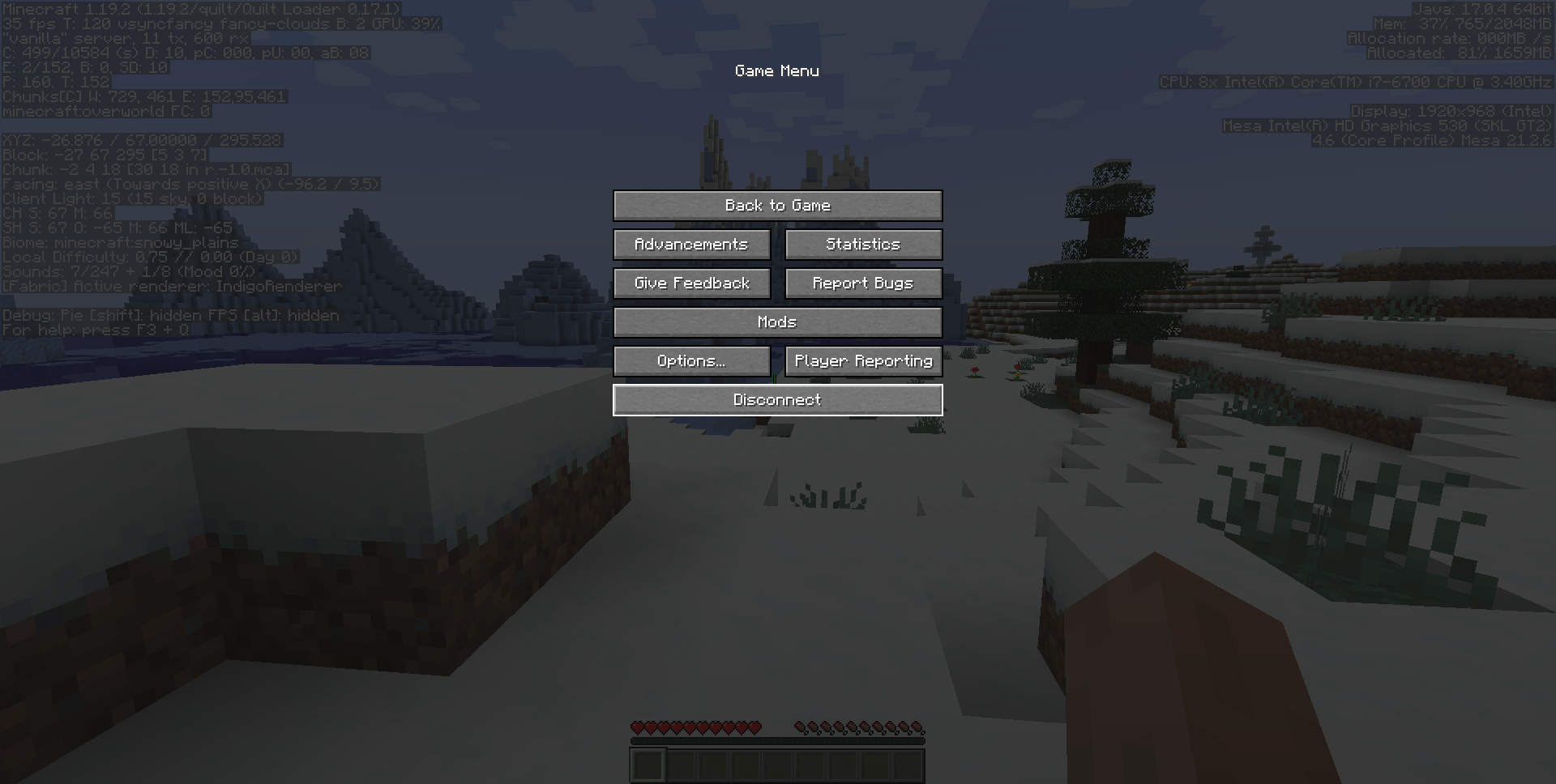
No Report Button is an essential mod for Minecraft players who want to get rid of the controversial chat report button introduced in version 1.19.1. This mod for Minecraft replaces the report button in the pause menu with a disabled button to open the game in LAN, just like it was before the update. With this mod, you can enjoy a smoother and less intrusive gaming experience.
The mod is compatible with Minecraft versions 1.19.1 and above, including support for Fabric, Forge, and Quilt. This means you can install it easily on your favorite mod setups. Additionally, No Report Button is compatible with most other mods, allowing you to customize your gaming experience without worrying about conflicts.
One of the standout features of No Report Button is its ease of use. Simply install the mod and you'll see the report button disappear from the pause menu. This is especially useful on multiplayer servers, where privacy and freedom of expression are important. If you encounter any compatibility issues with another mod, you can open an issue for the developers to review.
The latest version, v1.6.1, now includes support for NeoForge in Minecraft 1.21 and does not require Fabric API, making installation even easier. Remember that the mod is only client-side compatible, so it will have no effect if used on the server.
If you're looking for a way to enhance your experience in Minecraft and eliminate unnecessary distractions, downloading No Report Button is the perfect solution. Join the community of players who already enjoy a cleaner and uninterrupted game. Try this mod and transform your gaming experience today!
🎥 Video
Screenshots2
Main File
v1.9.0 for Minecraft 26.3 (NeoForge)
Recent Files
View all →Minecraft 1.21
1.6.1-fabric
1.6.1-neoforge
1.6.1-forge
Minecraft 1.20
v1.5.0-forge
v1.5.0-fabric
Minecraft 1.19
v1.4.1-forge
v1.4.1-fabric
v1.4.0-forge
Frequently Asked Questions about No Report Button
How to install No Report Button?
To install No Report Button, you first need to have Minecraft with Forge/Fabric installed. Download the mod's .jar file and place it in the 'mods' folder of your Minecraft directory. Restart the game and the mod will be available.
What Minecraft versions is No Report Button compatible with?
No Report Button is compatible with Minecraft versions 26.3, 26.2, 26.1.2, 26.1.1, 26.1.
Is No Report Button free?
Yes, No Report Button is completely free. You can download it directly from this page or from CurseForge.
Comments (0)
Did it work for you?
Tell us which Minecraft version and which loader you used (Forge, Fabric, NeoForge, Quilt). If it crashed or clashed with another mod, say so here: you will save the next reader an afternoon.
Loading comments...
🔗 Related Mods

Changes the default server compatability check to compare modpack versions

Speed up immediate mode rendering in Minecraft

Support stacked cooking & optimize recipe-matching in Farmer's Delight
Adds various decorative plushies to Minecraft, along with some Easter Eggs!
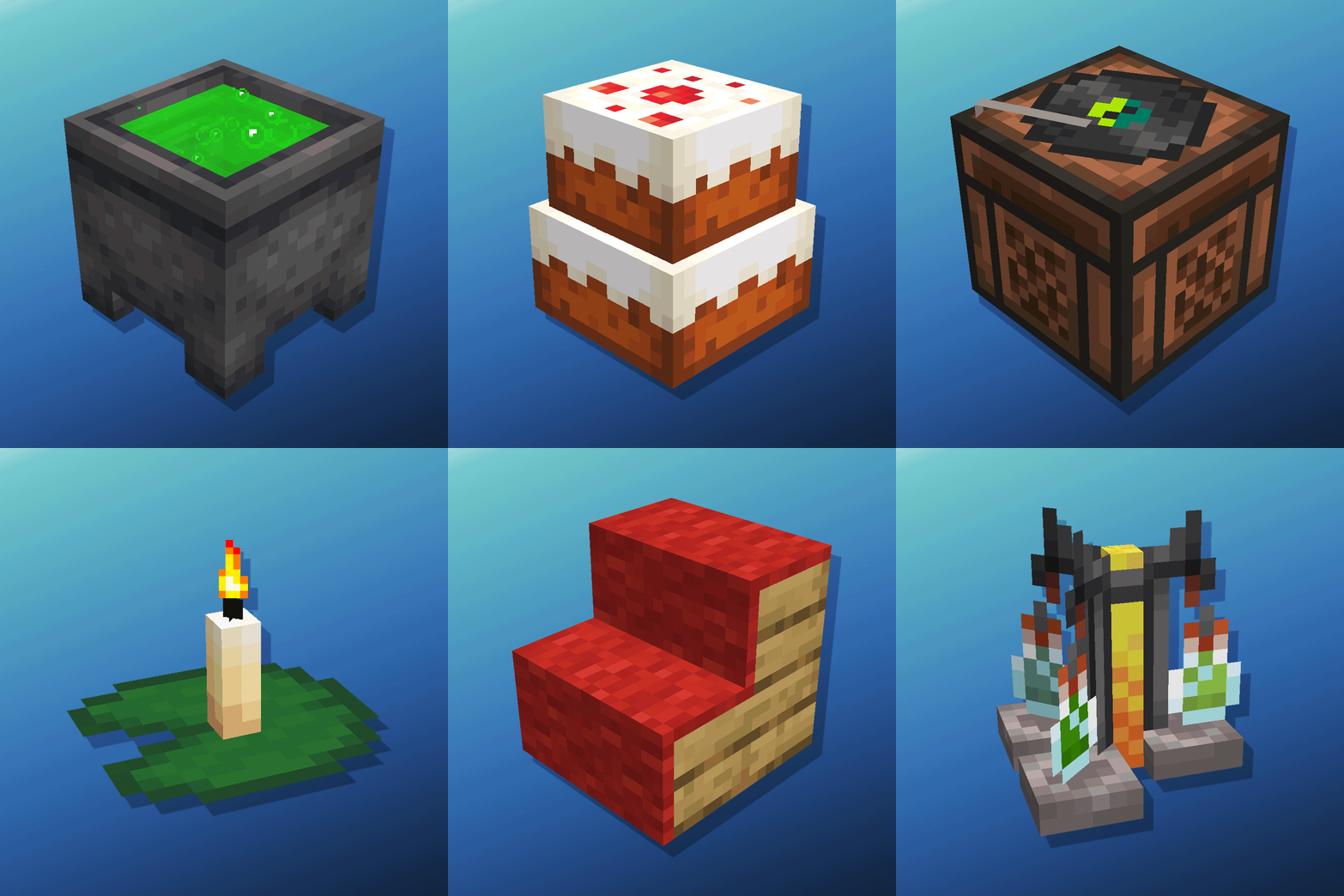
Cauldron Potion Mixing, Lanterns Animation, Carpeted Stairs, Candle Skulls, Double Cakes, Better Lilypads and much more
Speeds up the leaf decaying process
Explore the full category
🚀 Create your Minecraft Server
Compatible with all mods
Statistics
Downloads
18.2M
Popular Ranking
#868
Information
Created
August 14, 2022
Updated
October 2, 2026
Authors
pices1237532