
Skyboxify - Enhance Your Sky in Minecraft with Unique Styles
2.8M downloads • Rank: #2411
Description
Skyboxify transforms the sky of Minecraft with stunning customizable skyboxes. Download this mod and give your world a fresh look.
Skyboxify is a mod for Minecraft that allows players to customize the game's sky using OptiFine skyboxes. This mod is a must-have for those seeking a unique and immersive visual experience, as it completely transforms how the sky looks in your world, adding an artistic and creative touch to your adventures.
With Skyboxify, you can define multiple skyboxes within a resource pack, allowing you to change the appearance of the sky based on your preferences. It uses the same file format as OptiFine, meaning it is compatible with any skybox resource pack designed for OptiFine. Each skybox consists of six textures representing the different faces of the sky: top, bottom, left, right, front, and back, creating a 3D visual experience that will leave you amazed.
Some of the standout features of Skyboxify include the ability to overlay multiple skyboxes to create stunning visual effects, as well as customization options that include blending mode, axis rotation, speed, and the ability to display different skyboxes at certain heights. This allows you to experiment with the sky in ways you never imagined, tailoring it to your gameplay style and aesthetic preferences.
This mod is fully compatible with version 1.21+ of Fabric and works seamlessly on multiplayer servers, allowing all players to enjoy a spectacular sky. If you are an aesthetic lover in Minecraft and want to take your visual experience to the next level, downloading Skyboxify is a decision you won't regret.
In conclusion, Skyboxify is the perfect mod for those looking to customize their environment in Minecraft. Don't hesitate to try it and immerse yourself in a world where the sky is the limit. Download Skyboxify and transform your gaming experience today!
Main File
Release 3.4 for 1.21.4
Recent Files
View all →Minecraft 1.21
Release 3.4 for 1.21.4
Release 3.4 for 1.21.7-1.21.8
Release 3.4 for 1.21.9-1.21.10
Frequently Asked Questions about Skyboxify
How to install Skyboxify?
To install Skyboxify, you first need to have Minecraft with Forge/Fabric installed. Download the mod's .jar file and place it in the 'mods' folder of your Minecraft directory. Restart the game and the mod will be available.
What Minecraft versions is Skyboxify compatible with?
Skyboxify is compatible with Minecraft versions 26.3, 26.2, 26.1.2, 26.1.1, 26.1.
Is Skyboxify free?
Yes, Skyboxify is completely free. You can download it directly from this page or from CurseForge.
Comments (0)
Did it work for you?
Tell us which Minecraft version and which loader you used (Forge, Fabric, NeoForge, Quilt). If it crashed or clashed with another mod, say so here: you will save the next reader an afternoon.
Loading comments...
🔗 Related Mods
Status effect display overhaul: Display them in any menu! And way more compact.
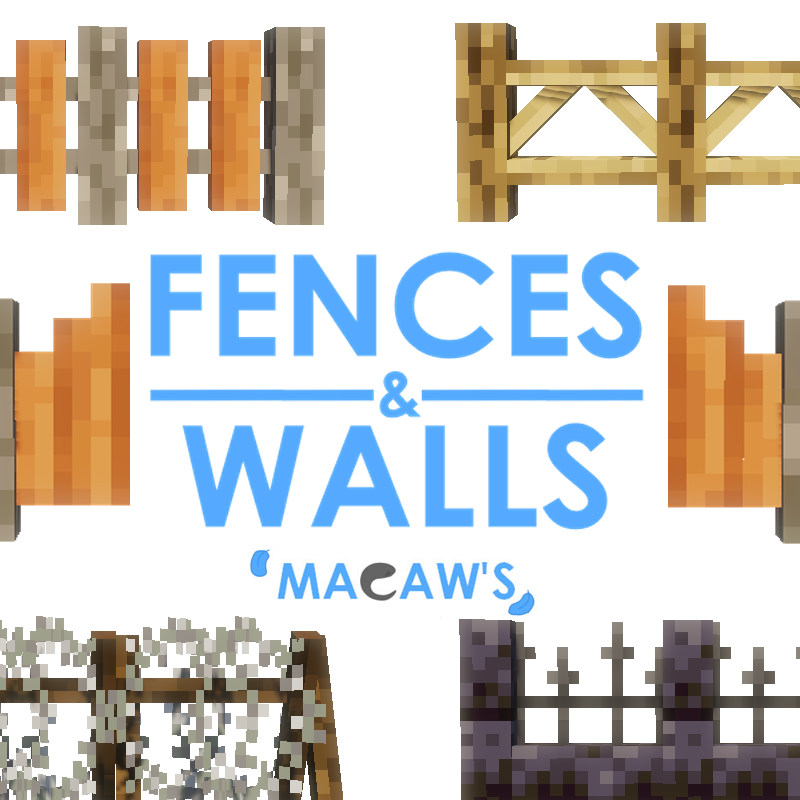
Adds new vanila styled fences, walls and gates!
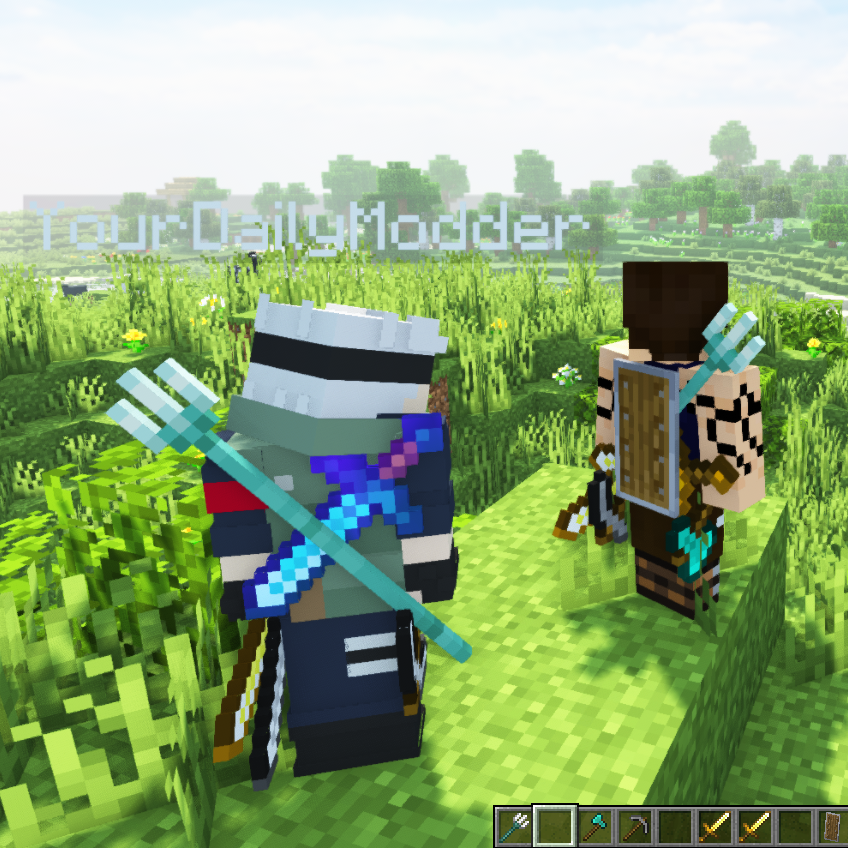
With this Mod your Hotbar items will be visible on your Character.
Bring cute plushies into your home
Custom Capes anyone with the mod can see

Animals no longer stay in the world forever, instead they spawn and disappear like monsters.
Explore the full category
Explore the full category
🚀 Create your Minecraft Server
Compatible with all mods
Statistics
Downloads
2.8M
Popular Ranking
#2411
Information
Created
July 23, 2025
Updated
September 18, 2026
Authors
lowercasebtw