
Accelerated Decay - Leaf Decay in Minecraft
27.3M downloads • Rank: #603
Description
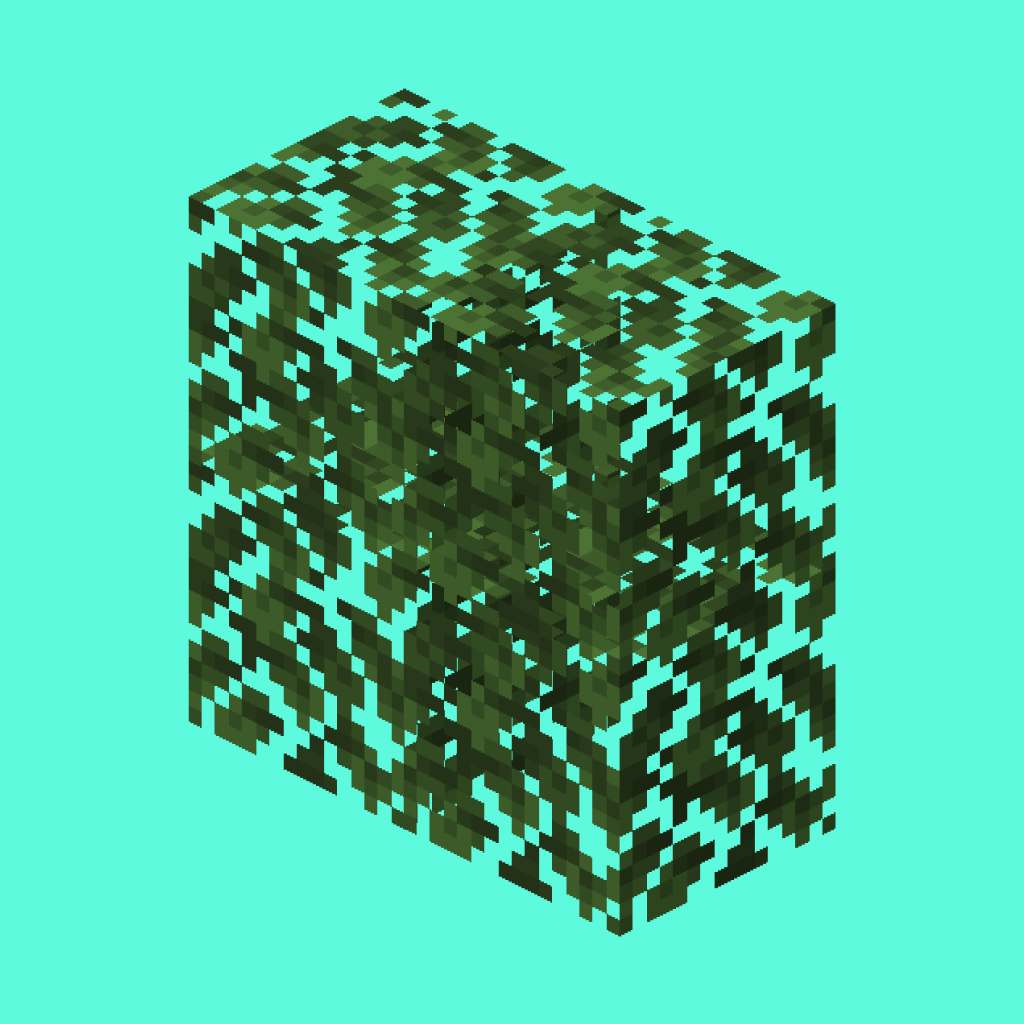
Accelerated Decay is a mod that optimizes leaf decay, reducing lag in Minecraft. Download this mod and enhance your gaming experience.
Accelerated Decay is a mod for Minecraft that transforms the way leaves decay, offering a smoother and uninterrupted gaming experience. This mod is a must-have for those looking to reduce lag both on servers and in single-player games, allowing leaves to disappear quickly and efficiently.
The main feature of Accelerated Decay is its focus on the instant removal of leaves once the block supporting them has been destroyed. Unlike other mods that speed up the decay process through ticks, this mod uses a time-based verification system that minimizes performance impact. This means you can enjoy a cleaner and tidier world without sacrificing game fluidity.
Additionally, the mod is compatible with any tree that uses the tag #minecraft:logs, ensuring it works with most builds and biomes in Minecraft. You don't need to worry about complicated settings, as the mod activates easily and works on both Forge and Fabric, making it accessible for all players.
Accelerated Decay not only improves the aesthetics of your world by removing leaves more efficiently, but it also reduces particle load and tick logic, resulting in lower resource usage. This is especially beneficial on multiplayer servers, where performance is key to an enjoyable gaming experience.
If you want to optimize your experience in Minecraft and enjoy a cleaner, less laggy environment, downloading Accelerated Decay is an excellent choice. Join the community of players who are already enjoying this mod and transform your way of playing.
🎥 Video
Main File
accelerated-decay Neoforge 26.3.0.1
Recent Files
View all →Minecraft 1.21
[NEOFORGE] accelerated-decay 21.0.0
[FABRIC] accelerated-decay 21.0.0
Minecraft 1.20
[NEOFORGE][1.20.6] accelerated-decay 86.0.0
[FABRIC][1.20.6] accelerated-decay 86.0.0
[NEOFORGE][1.20.5] accelerated-decay 85.0.0
Frequently Asked Questions about Accelerated Decay
How to install Accelerated Decay?
To install Accelerated Decay, you first need to have Minecraft with Forge/Fabric installed. Download the mod's .jar file and place it in the 'mods' folder of your Minecraft directory. Restart the game and the mod will be available.
What Minecraft versions is Accelerated Decay compatible with?
Accelerated Decay is compatible with Minecraft versions 26.3, 26.2, 26.1.2, 26.1.1, 26.1.
Is Accelerated Decay free?
Yes, Accelerated Decay is completely free. You can download it directly from this page or from CurseForge.
Comments (0)
Did it work for you?
Tell us which Minecraft version and which loader you used (Forge, Fabric, NeoForge, Quilt). If it crashed or clashed with another mod, say so here: you will save the next reader an afternoon.
Loading comments...
🔗 Related Mods
Ensures correct destinations when travelling back and forth through Nether Portals in Multiplayer.
![[EMF] Entity Model Features [Fabric & Forge]](https://media.forgecdn.net/avatars/983/284/638491564386011875.png)
EMF is an, OptiFine format, Custom Entity Model replacement mod available for Fabric and Forge.
Inventory Tweaks for NeoForge

Support stacked cooking & optimize recipe-matching in Farmer's Delight
![fix GPU memory leak[Forge/Fabric]](https://media.forgecdn.net/avatars/841/827/638236647684351264.png)
A mod that fixes memory leaks on the client

A modern entity health/status/damage indicators mod for Minecraft
Explore the full category
🚀 Create your Minecraft Server
Compatible with all mods
Statistics
Downloads
27.3M
Popular Ranking
#603
Information
Created
November 14, 2022
Updated
September 19, 2026
Authors
ErrorMikey