
Multi Mine - Efficient and Collaborative Mining in Minecraft
26.1M downloads • Rank: #1379
Description
Multi Mine is the mod for Minecraft that transforms mining, allowing teamwork and optimizing time. Download and enhance your experience!
Multi Mine is a mod for Minecraft that revolutionizes the way players interact with blocks. This mod is a must-have for those looking to optimize their mining time, as it allows players to break blocks more efficiently without having to click continuously. With Multi Mine, you can pause, walk away, or even mine other blocks while the first one continues to be destroyed, making the mining experience much smoother and less tedious.
One of the standout features of Multi Mine is its functionality on servers. Starting from version 1.3.2, the mod is fully compatible with online play, meaning multiple players can collaborate to break blocks simultaneously. This not only speeds up the mining process but also encourages teamwork, allowing players to take turns breaking blocks or join forces to do it faster. However, there is a block damage limit that can be applied to 30 blocks at a time on the server, which maintains game balance.
Additionally, Multi Mine does not affect your saved games, as damaged blocks regenerate slowly after a brief period. This means you can enjoy collaborative mining without worrying about losing resources or affecting your game world. Compatibility with other mods is also a plus, as you can easily integrate it into your current setups without conflicts.
If you are a player looking to enhance your mining experience in Minecraft, downloading Multi Mine is a decision you won't regret. This mod not only makes mining more efficient but also adds a social element to the game, allowing friends and teammates to work together more effectively. Don't wait any longer and try Multi Mine on your next adventure!
🎥 Video
Main File
MultiMine 26.3.1NF
Recent Files
View all →Minecraft 1.21
MultiMine 1.21.11.1NF
MultiMine 1.21.11.1
MultiMine 1.21.10.2
Frequently Asked Questions about Multi Mine
How to install Multi Mine?
To install Multi Mine, you first need to have Minecraft with Forge/Fabric installed. Download the mod's .jar file and place it in the 'mods' folder of your Minecraft directory. Restart the game and the mod will be available.
What Minecraft versions is Multi Mine compatible with?
Multi Mine is compatible with Minecraft versions 26.3, 26.2, 26.1.2, 26.1.1, 1.21.11.
Is Multi Mine free?
Yes, Multi Mine is completely free. You can download it directly from this page or from CurseForge.
Comments (0)
Did it work for you?
Tell us which Minecraft version and which loader you used (Forge, Fabric, NeoForge, Quilt). If it crashed or clashed with another mod, say so here: you will save the next reader an afternoon.
Loading comments...
🔗 Related Mods
Make the explosions look cooler. Now for (Neo)Forge.

Realistic stars and Keplerian orbital mechanics of the Sun, Earth, Moon and the planets. Now with eclipses and stuff
![Eating Animation [Neo/Forge]](https://media.forgecdn.net/avatars/483/224/637782958702187625.gif)
A Neo/Forge port of the Eating Animation mod

Finally, sand that actually makes sugarcane grow faster.
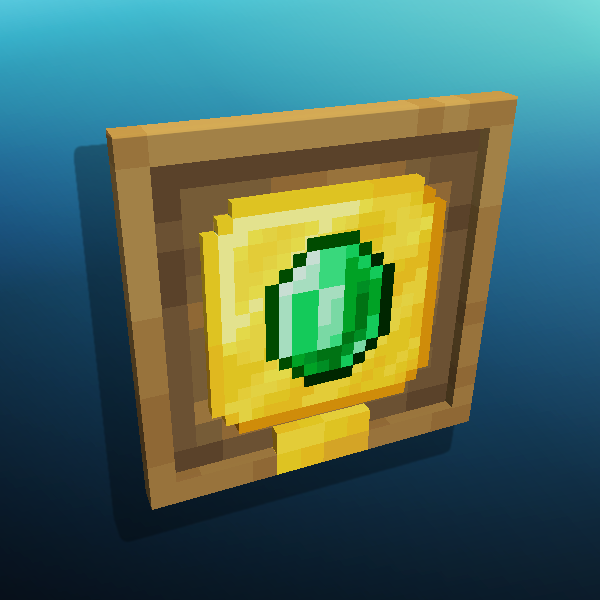
Nice looking Plaques to display your Advancements! Also adds Stats Frames
Camera mod with focus on process and aesthetics
Explore the full category
🚀 Create your Minecraft Server
Compatible with all mods
Statistics
Downloads
26.1M
Popular Ranking
#1379
Information
Created
February 18, 2015
Updated
September 24, 2026
Authors
atomicstrykergrumpy