
Exposure - Capture the Magic of Photography in Minecraft
27.2M downloads • Rank: #448
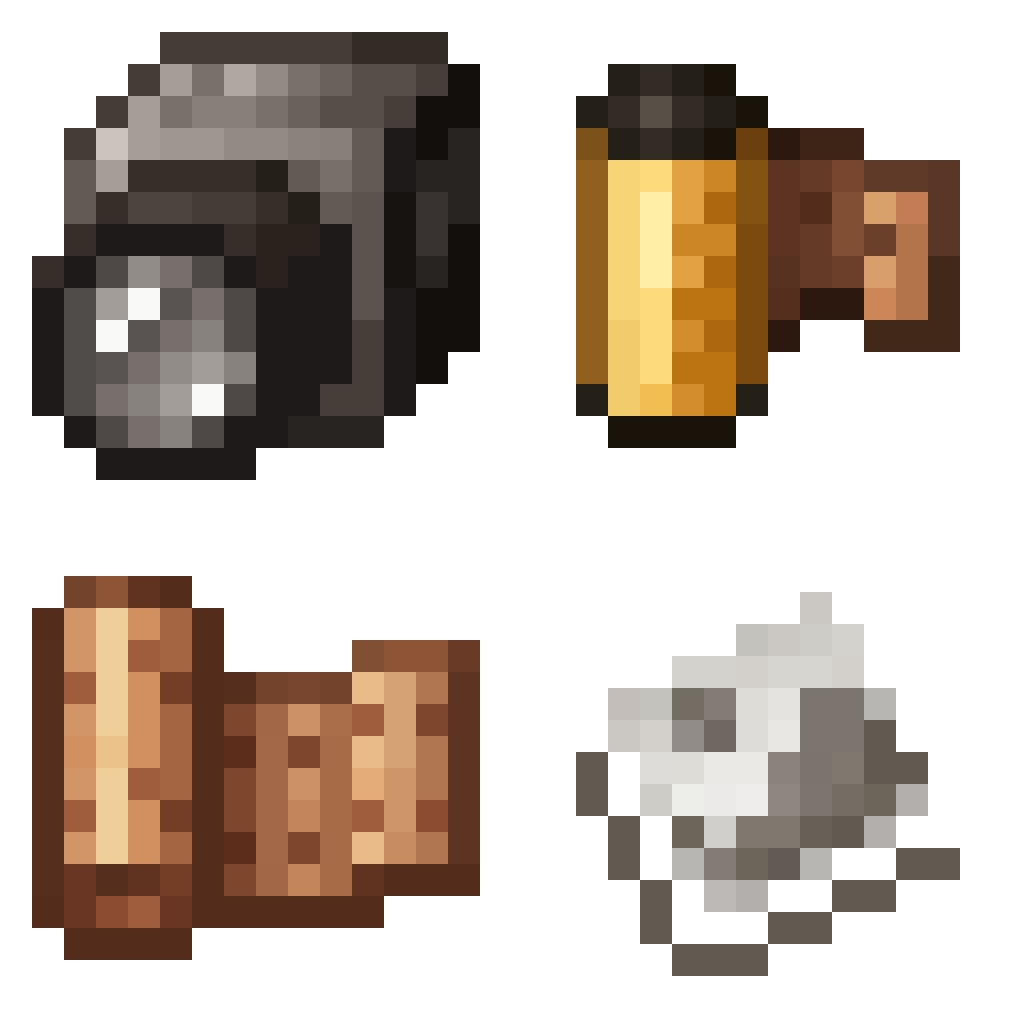
Description
Exposure is a mod for Minecraft that allows you to explore analog photography in the game. Capture unique moments and enhance your experience.
Exposure is an innovative mod for Minecraft that transforms the way players interact with their environment through photography. This mod allows you to capture images in the game as if you were using a film camera, providing a unique and artistic experience that adds a new dimension to your adventures in the block world.
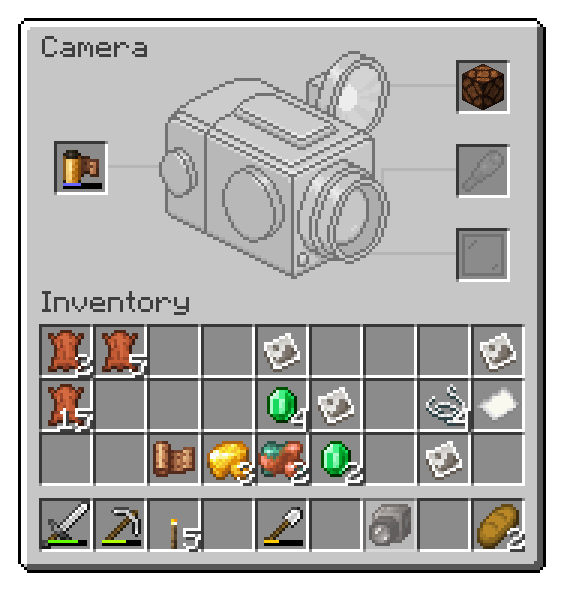
With Exposure, you can create and customize your own camera, choosing from different lenses and settings to achieve the desired effect. The photography mechanics in this mod are simple yet profound, allowing players to experiment with exposure, focus, and composition of their photos. Additionally, you can develop your photos in a lab, adding a nostalgic and authentic touch to the experience.
It is important to mention that Exposure has some known incompatibilities, especially with mods like Optifine and Visual Overhaul, which may cause issues when opening the camera controls. It is recommended to use Sodium or Embeddium to avoid these inconveniences. Despite these limitations, the mod is compatible with most versions of Minecraft and offers a smooth and exciting experience.
If you are a photography enthusiast or simply looking for a creative way to document your adventures in Minecraft, downloading Exposure is an excellent choice. This mod will not only enrich your gameplay but also allow you to share your most memorable moments with the community. Don’t wait any longer and start capturing the magic of your world!
🎥 Video
Screenshots7
Main File
Exposure - Forge 1.20.1 - 1.9.22
Recent Files
View all →Minecraft 1.21
Exposure - NeoForge 1.21.1 - 1.9.19
Exposure - Fabric 1.21.1 - 1.9.19
Exposure - Fabric 1.21.1 - 1.9.18
Minecraft 1.20
Exposure - Forge 1.20.1 - 1.9.22
Exposure - Fabric 1.20.1 - 1.9.22
Exposure - Forge 1.20.1 - 1.9.21
Frequently Asked Questions about Exposure
How to install Exposure?
To install Exposure, you first need to have Minecraft with Forge/Fabric installed. Download the mod's .jar file and place it in the 'mods' folder of your Minecraft directory. Restart the game and the mod will be available.
What Minecraft versions is Exposure compatible with?
Exposure is compatible with Minecraft versions 1.21.1, 1.20.1.
Is Exposure free?
Yes, Exposure is completely free. You can download it directly from this page or from CurseForge.
Comments (0)
Did it work for you?
Tell us which Minecraft version and which loader you used (Forge, Fabric, NeoForge, Quilt). If it crashed or clashed with another mod, say so here: you will save the next reader an afternoon.
Loading comments...
🔗 Related Mods

Vanilla+ additions: Jars, signposts, faucets, weather vanes spring launchers, sconces, planters, lights, decoration and automation

Target Dummy that show damage dealt and can be equipped with armor. Damage numbers!
A Minecraft lib used for all of CreeperHosts mods
![Legendary Tooltips [Neo/Forge]](https://media.forgecdn.net/avatars/438/697/637684634562173457.png)
Give your rare items a fancier tooltip! Also adds additional tooltip configuration options.

A way for modpacks to ship a default (key) configuration without having to include an options.txt file.
♾ Prevents villager trades from locking up, making them always available. Trade away!
Explore the full category
Explore the full category
🚀 Create your Minecraft Server
Compatible with all mods
Statistics
Downloads
27.2M
Popular Ranking
#448
Information
Created
November 21, 2023
Updated
September 23, 2026
Authors
mortuusars