
Light Overlay - Improve Your Visibility in Minecraft
46.8M downloads • Rank: #1889
Description
Light Overlay is a mod for Minecraft that helps you identify mob spawn areas. Download and enhance your gaming experience.
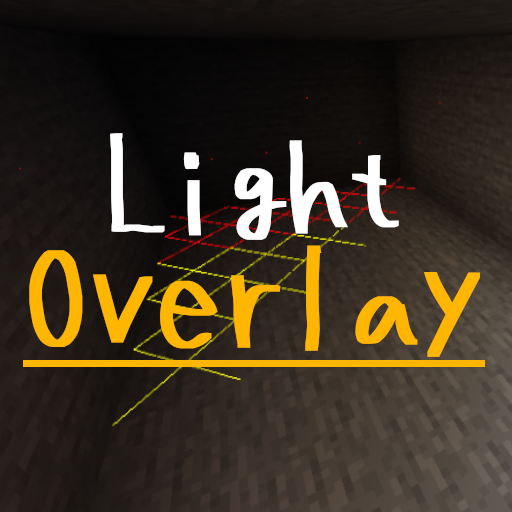
Light Overlay (Rift/Forge/Fabric) is an essential mod for Minecraft players who want to improve their visibility and safety in the game. This mod for Minecraft provides a light overlay similar to NEI, allowing you to easily identify areas where mobs can spawn, which is crucial for planning your builds and nighttime adventures.
When the mod is activated, you will see different symbols on the terrain: a yellow cross indicates that mobs can spawn at night, a red cross means they can spawn at any time, and a blue cross signals that mobs can spawn if a spawner is present (only in version 1.18). This visual information will help you avoid unpleasant surprises while exploring or building in your world.
Light Overlay is easy to use and is activated by pressing the F7 key, allowing you to toggle the light overlay according to your needs. Additionally, it is fully configurable through the control settings, enabling you to customize the experience to your preferences. It is important to mention that this mod is client-side only, so it will not affect servers.
The mod is compatible with Minecraft versions that use Rift, Forge, or Fabric, and requires some additional libraries like Fabric API and Architectury to function correctly. Make sure you have everything needed to enjoy its benefits to the fullest. However, keep in mind that it may have compatibility issues with OptiFine shaders, although there is a numeric display mode that works well with them.
If you are looking for a way to optimize your gaming experience and avoid unexpected encounters with mobs, downloading Light Overlay is an excellent choice. This mod not only improves your visibility but also offers you greater peace of mind while exploring the vast world of Minecraft. Don't hesitate to try it and take your game to the next level!
🎥 Video
Main File
[Fabric 1.21.11] v14.0.0
Recent Files
View all →Minecraft 1.21
[Fabric 1.21.11] v14.0.0
[NeoForge 1.21.11] v14.0.0
[Fabric 1.21.10] v13.0.0
Minecraft 1.20
[NeoForge 1.20.6] v11.0.0
[Fabric 1.20.6] v11.0.0
[NeoForge 1.20.4] v10.0.0
Minecraft 1.19
[Forge 1.19.4] v7.0.3
[Fabric 1.19.4] v7.0.3
Frequently Asked Questions about Light Overlay (Rift/Forge/Fabric)
How to install Light Overlay (Rift/Forge/Fabric)?
To install Light Overlay (Rift/Forge/Fabric), you first need to have Minecraft with Forge/Fabric installed. Download the mod's .jar file and place it in the 'mods' folder of your Minecraft directory. Restart the game and the mod will be available.
What Minecraft versions is Light Overlay (Rift/Forge/Fabric) compatible with?
Light Overlay (Rift/Forge/Fabric) is compatible with Minecraft versions 1.21.11, 1.21.10, 1.21.9, 1.21.8, 1.21.7.
Is Light Overlay (Rift/Forge/Fabric) free?
Yes, Light Overlay (Rift/Forge/Fabric) is completely free. You can download it directly from this page or from CurseForge.
Comments (0)
Did it work for you?
Tell us which Minecraft version and which loader you used (Forge, Fabric, NeoForge, Quilt). If it crashed or clashed with another mod, say so here: you will save the next reader an afternoon.
Loading comments...
🔗 Related Mods
Displays the nearby world terrain, players, mobs, entities in the corner of your screen. Lets you create waypoints which help you find the locations you've marked.
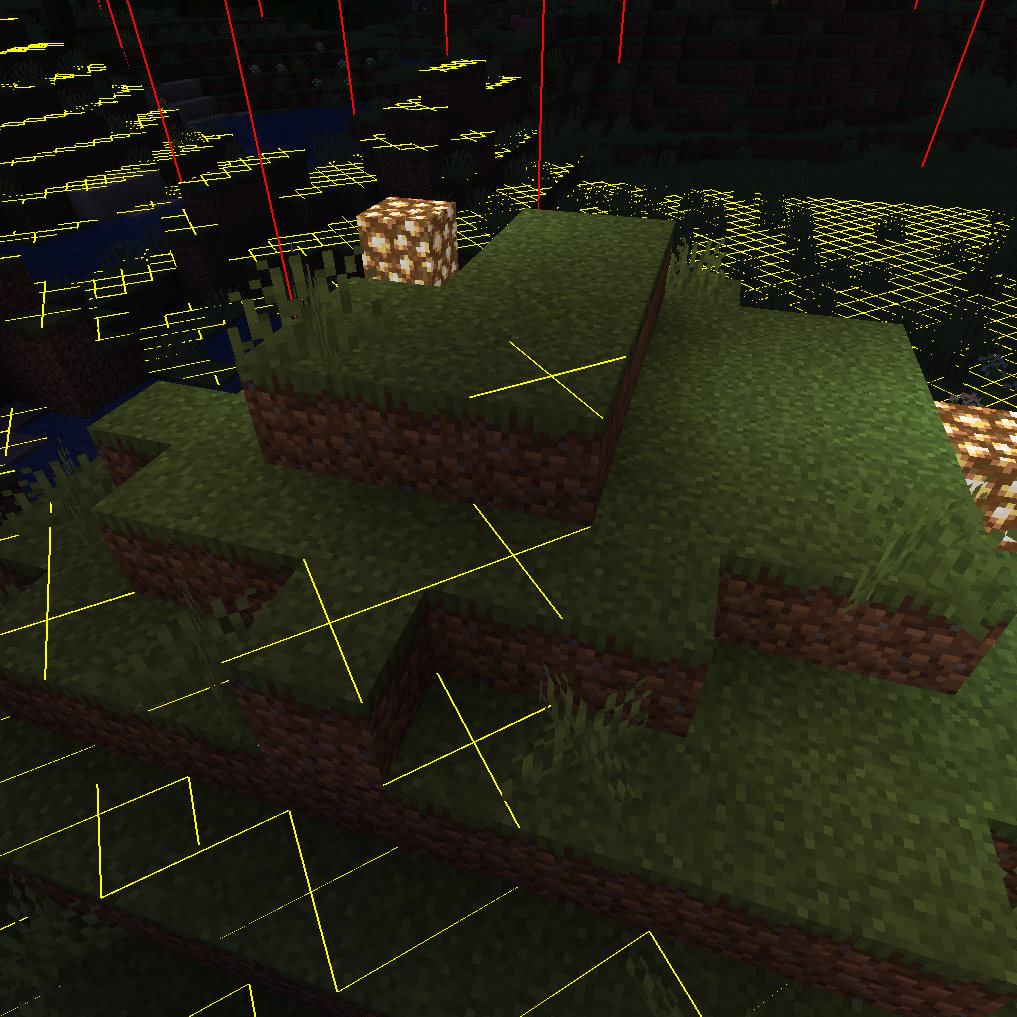
Adds NEI-like light overlay for mob spawns, a chunk border overlay and a JEI item search overlay. (updated for 1.15.2, 1.16.5, 1.18.2, 1.19, 1.20, 1.21) NEW: light level number overlay
Minecraft mod that shows an ItemStack's mod name on its tooltip.
A mod that provides a highly customizable, more human-readable Debug HUD.

Clean and Customizable. An easy way to browse recipes. Alternative to JEI Just Enough Items.

Text rendering and styling API with effects, animations, and custom font support.
Explore the full category
🚀 Create your Minecraft Server
Compatible with all mods
Statistics
Downloads
46.8M
Popular Ranking
#1889
Information
Created
June 27, 2019
Updated
February 22, 2026
Authors
shedaniel