
GTCEu Terminals - Enhance Your Minecraft Experience
331.7K downloads • Rank: #6454
Description
GTCEu Terminals is a mod for Minecraft that adds quality of life tools to optimize your gameplay experience. Download now and transform your game!
GTCEu Terminals is a mod for Minecraft that introduces three essential tools that enhance the quality of life in your gameplay experience. This mod is a must-have for those using GregTech, as it facilitates the management of complex structures and optimizes resource usage. With GTCEu Terminals, you can manage your multiblocks efficiently and without complications.
Among the standout features is the Multi-Structure Manager, which allows you to visualize all multiblocks within a 32-block radius. With this tool, you can upgrade blocks of different levels directly from your inventory or through a wireless ME access point. Additionally, it has the capability to request blocks, further simplifying the management of your resources.
Another impressive gadget is the Schematic Interface, which lets you copy complete structures and save them as blueprints for later use. This is ideal for those who want to build quickly without having to remember each block. By connecting it to your ME network, you can paste blocks directly from the blueprint and request materials you don't have in your inventory.
Finally, the Dismantler is a tool that allows you to collect all blocks from a structure with a single click. If your inventory is full, the excess blocks will drop to the ground, preventing material loss. GTCEu Terminals is compatible with various mods and packs, making it a versatile addition to your game.
In conclusion, if you're looking to enhance your Minecraft experience and optimize the management of your structures, don't hesitate to download GTCEu Terminals. This mod is a powerful tool that will transform the way you play and allow you to enjoy your adventures in the world of Minecraft even more.
Screenshots7
Main File
Gregtech Terminals 6.8.5-fix
Recent Files
View all →Minecraft 1.20
Gregtech Terminals 6.8.5-fix
Gregtech Terminals 6.8.5
GTCEu Terminals 5.6.2
Frequently Asked Questions about Gregtech Terminals
How to install Gregtech Terminals?
To install Gregtech Terminals, you first need to have Minecraft with Forge/Fabric installed. Download the mod's .jar file and place it in the 'mods' folder of your Minecraft directory. Restart the game and the mod will be available.
What Minecraft versions is Gregtech Terminals compatible with?
Gregtech Terminals is compatible with Minecraft versions 1.20.1.
Is Gregtech Terminals free?
Yes, Gregtech Terminals is completely free. You can download it directly from this page or from CurseForge.
Comments (0)
Did it work for you?
Tell us which Minecraft version and which loader you used (Forge, Fabric, NeoForge, Quilt). If it crashed or clashed with another mod, say so here: you will save the next reader an afternoon.
Loading comments...
🔗 Related Mods

Speed up immediate mode rendering in Minecraft

Items stay inside of crafting tables and are also rendered on top. It's really fancy!
There, I fixed Minecraft for you. Various optional tweaks to improve Minecraft Quality of Life.
![[ETF] Entity Texture Features - [Fabric & Forge]](https://media.forgecdn.net/avatars/983/279/638491557830728907.png)
Custom, Emissive and Varied mobs like Optifine and so much more.. +Player skin features!)
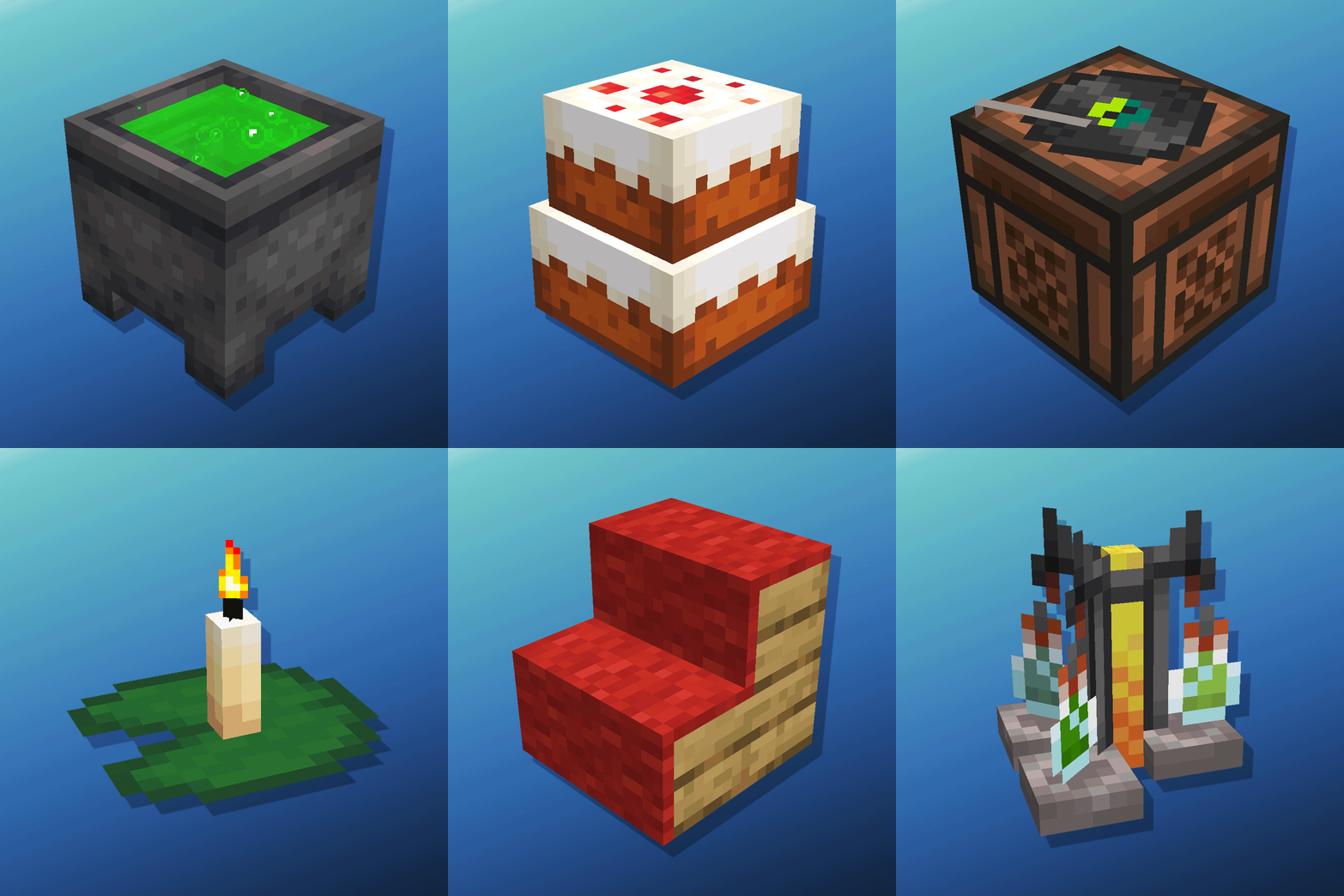
Cauldron Potion Mixing, Lanterns Animation, Carpeted Stairs, Candle Skulls, Double Cakes, Better Lilypads and much more
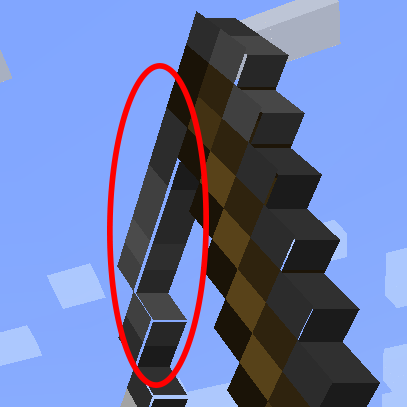
Fixes small gaps in item and block models
Explore the full category
Explore the full category
🚀 Create your Minecraft Server
Compatible with all mods
Statistics
Downloads
331.7K
Popular Ranking
#6454
Information
Created
January 8, 2026
Updated
June 25, 2026
Authors
Bgame