
Extreme Sound Muffler - Silence Sounds in Minecraft
91.5M downloads • Rank: #197
Description
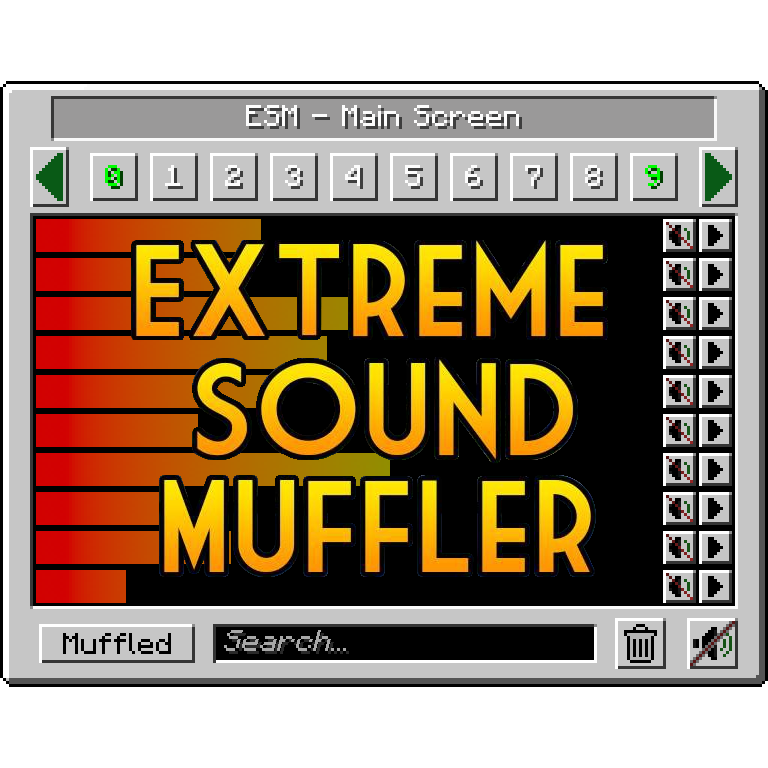
Extreme Sound Muffler is a mod for Minecraft that allows you to selectively silence sounds. Download and enjoy a quieter game.
Extreme Sound Muffler - (Neo)Forge is an essential mod for Minecraft that allows you to selectively silence sounds, enhancing your gaming experience. If you've ever felt overwhelmed by the noises of the environment, this mod is the perfect solution to enjoy a more tranquil and relaxing atmosphere while you explore or build.
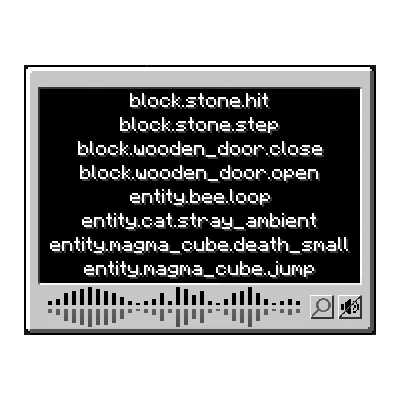
This mod works simply: you just need to open the interface from your inventory or assign a key to access it. From there, you can select the sound you want to silence and adjust its volume according to your preferences. Additionally, it features a dark mode option for better visibility in different lighting conditions. Customization is key, as you can configure the position of the buttons and disable specific sounds you don't want to appear in the interface.
One of the most interesting features of Extreme Sound Muffler is the 'Anchors', which allow you to silence sounds in a specific area. You can set up to 10 anchor points and adjust their range, which is ideal for creating peaceful zones in your world. This functionality is perfect for those who want to enjoy a more controlled environment, whether solo or on multiplayer servers.
The mod is compatible with Forge and NeoForge, ensuring its operation in the latest versions of Minecraft. Moreover, its intuitive design and ease of use make it accessible for both new players and veterans. Downloading Extreme Sound Muffler is an excellent way to enhance your gaming experience and enjoy a quieter, more pleasant world.
In conclusion, if you're looking for a way to reduce noise in Minecraft and create a more relaxing environment, don't hesitate to try Extreme Sound Muffler. This mod will transform your gaming experience and allow you to enjoy every adventure in a completely new way.
Screenshots11
Main File
Extreme sound muffler 3.57 - NeoForge 1.21.1
Recent Files
View all →Minecraft 1.21
Extreme sound muffler 3.57 - NeoForge 1.21.1
Extreme sound muffler 4.04 - NeoForge 1.21.11
Extreme sound muffler 4.03 - NeoForge 1.21.11
Frequently Asked Questions about Extreme sound muffler - (Neo)Forge
How to install Extreme sound muffler - (Neo)Forge?
To install Extreme sound muffler - (Neo)Forge, you first need to have Minecraft with Forge/Fabric installed. Download the mod's .jar file and place it in the 'mods' folder of your Minecraft directory. Restart the game and the mod will be available.
What Minecraft versions is Extreme sound muffler - (Neo)Forge compatible with?
Extreme sound muffler - (Neo)Forge is compatible with Minecraft versions 26.3, 26.2, 26.1.2, 26.1.1, 26.1.
Is Extreme sound muffler - (Neo)Forge free?
Yes, Extreme sound muffler - (Neo)Forge is completely free. You can download it directly from this page or from CurseForge.
Comments (0)
Did it work for you?
Tell us which Minecraft version and which loader you used (Forge, Fabric, NeoForge, Quilt). If it crashed or clashed with another mod, say so here: you will save the next reader an afternoon.
Loading comments...
🔗 Related Mods

Enchanting tables as they always should have been! Items stay after closing, and easy re-rolls.

Rule the village! Trade with every villager at once!

Gives Embeddium/Sodium additional Performance and Quality features for a tasteful experience

Items stay inside of crafting tables and are also rendered on top. It's really fancy!

Removes the chat report button from the game menu screen
![[ETF] Entity Texture Features - [Fabric & Forge]](https://media.forgecdn.net/avatars/983/279/638491557830728907.png)
Custom, Emissive and Varied mobs like Optifine and so much more.. +Player skin features!)
Explore the full category
🚀 Create your Minecraft Server
Compatible with all mods
Statistics
Downloads
91.5M
Popular Ranking
#197
Information
Created
February 18, 2020
Updated
October 2, 2026
Authors
LeoBeliik