
Entity Collision FPS Fix - Improve Your Performance in Minecraft
34.3M downloads • Rank: #1309
Description
Optimize your FPS in Minecraft with Entity Collision FPS Fix. This mod is essential for those playing with many mobs.
Entity Collision FPS Fix is a mod for Minecraft that has become an essential tool for players looking to improve their game performance. This mod optimizes FPS by skipping collision checks on the client render thread, as these checks are handled by the server. If you've noticed your game slowing down in areas with many mobs, this mod is the perfect solution.
The main feature of Entity Collision FPS Fix is its ability to reduce the client's workload by eliminating the need to calculate collisions for visible and non-visible entities. This is especially useful in situations where there are a large number of entities clustered together, which can cause significant drops in FPS. With this mod, you can expect a noticeable improvement in performance, allowing you to enjoy a smoother and uninterrupted gaming experience.
Additionally, this mod is compatible with the latest versions of Minecraft and works in both single-player environments and multiplayer servers. Its installation is straightforward and does not require complicated settings, making it an accessible option for all players, from novices to veterans. You can download Entity Collision FPS Fix from CurseForge and start experiencing the difference right away.
If you are a player who frequently finds yourself in areas with many mobs and want to maximize your gaming experience, don't hesitate to try Entity Collision FPS Fix. This mod not only improves your performance but also allows you to enjoy a smoother and more enjoyable Minecraft. Download this mod today and take your gaming experience to the next level!
🎥 Video
Main File
Entity_Collision_FPS_Fix-forge-1.19-2.0.0.0.jar
Recent Files
View all →Minecraft 1.19
Entity_Collision_FPS_Fix-forge-1.19-2.0.0.0.jar
Minecraft 1.18
Entity_Collision_FPS_Fix-forge-1.18.2-1.0.0.jar
Minecraft 1.16
entitycollisionfpsfix-1.16-1.0.1.jar
entitycollisionfpsfix-1.16-1.0.jar
Frequently Asked Questions about Entity Collision FPS Fix
How to install Entity Collision FPS Fix?
To install Entity Collision FPS Fix, you first need to have Minecraft with Forge/Fabric installed. Download the mod's .jar file and place it in the 'mods' folder of your Minecraft directory. Restart the game and the mod will be available.
What Minecraft versions is Entity Collision FPS Fix compatible with?
Entity Collision FPS Fix is compatible with Minecraft versions 1.19.2, 1.19.1, 1.19, 1.18.2, 1.16.5.
Is Entity Collision FPS Fix free?
Yes, Entity Collision FPS Fix is completely free. You can download it directly from this page or from CurseForge.
Comments (0)
Did it work for you?
Tell us which Minecraft version and which loader you used (Forge, Fabric, NeoForge, Quilt). If it crashed or clashed with another mod, say so here: you will save the next reader an afternoon.
Loading comments...
🔗 Related Mods
Add evil Hunter's mob! They hunt the animals while making a cheeky laugh...

Diablo Style Modifiers
Powerful overworld enemies and more!
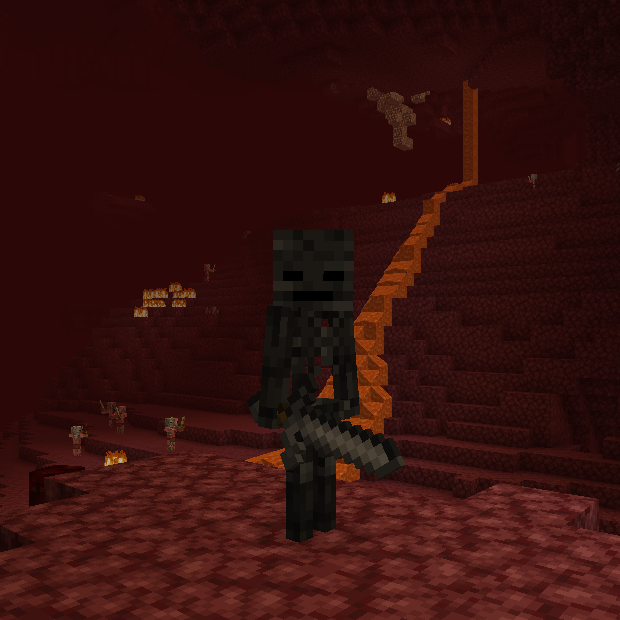
☠ Makes wither skeletons always drop their skull on death.
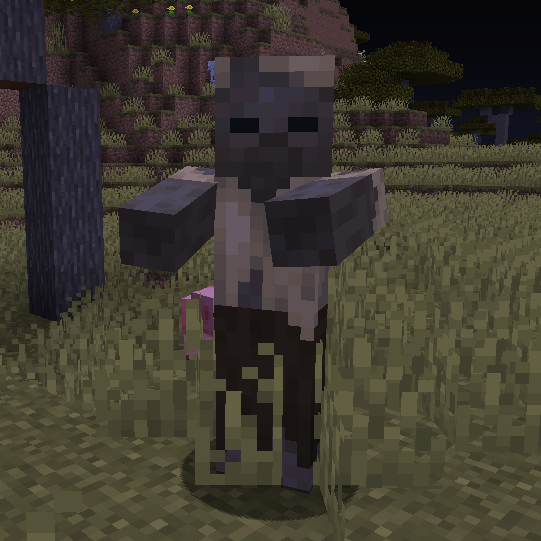
🏜 Adds a chance for husks to spawn naturally everywhere in place of a zombie.
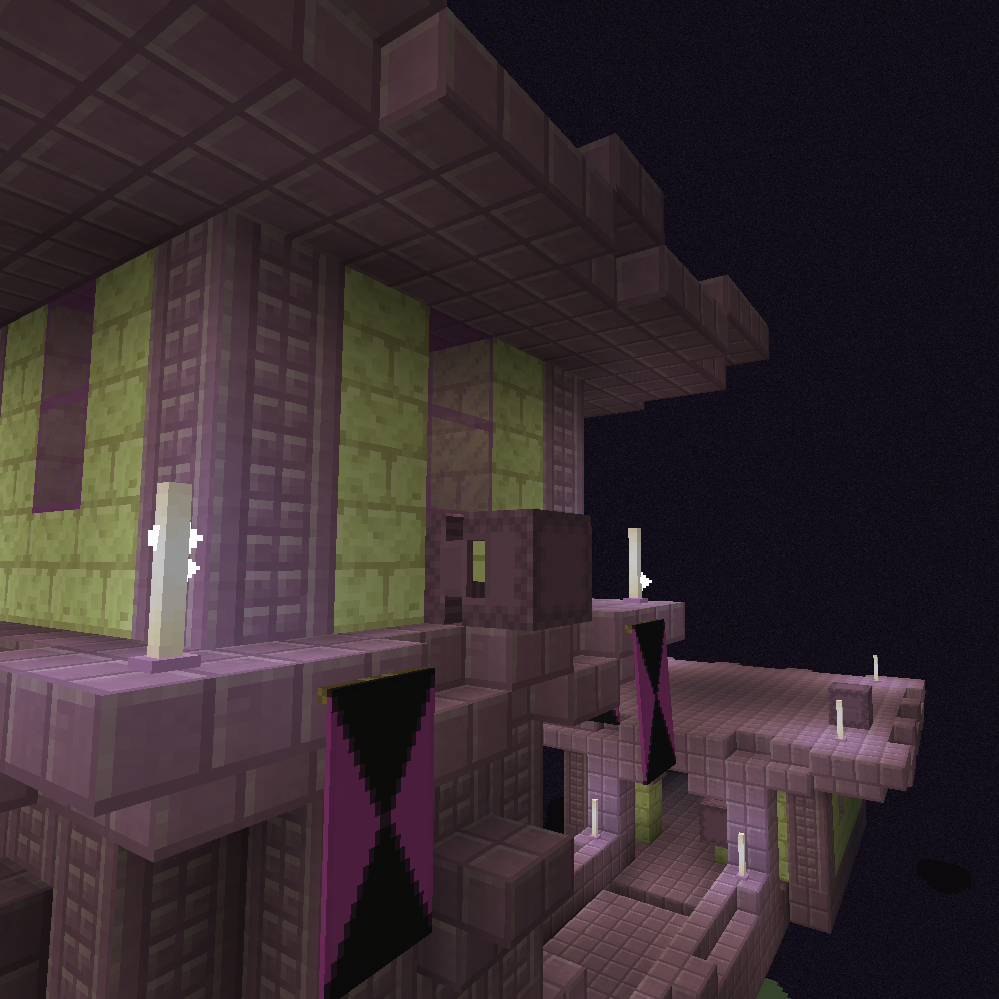
🟪 Allows Shulkers to drop two or more shells and ignore their default drop chance.
Explore the full category
Explore the full category
🚀 Create your Minecraft Server
Compatible with all mods
Statistics
Downloads
34.3M
Popular Ranking
#1309
Information
Created
May 29, 2022
Updated
January 4, 2026
Authors
corgi_taco_archive