
Default Server Properties - Easily Configure Your Server
16.4M downloads • Rank: #1112

Description
Default Server Properties allows modpack developers to define default settings for servers. It simplifies property management.
Default Server Properties is a mod for Minecraft that is essential for any modpack developer looking to optimize their server configuration. This mod allows you to define a default-server.properties file in the root of the package, which will overwrite the default creation of the server.properties file. This means you can set the properties you want to change by default without complications.
The functionality of this mod is simple yet powerful. By creating a default-server.properties file, the mod will automatically load those default data when starting the server. If there is no default-used.marker in the local folder, the mod will inject the desired configuration into the normal creation of the server.properties file. This greatly simplifies the configuration process and ensures that all players have the same experience from the start.
Among the most notable features is the ability to customize only the properties you really want to modify, leaving the rest to the game's native system. This not only saves time but also reduces the possibility of errors in server configuration. Additionally, it is compatible with most mods and current versions of Minecraft, making it a versatile tool for any server.
If you are a modpack developer or simply want to have greater control over your server settings, downloading Default Server Properties is an excellent decision. This mod will allow you to efficiently manage server properties and provide a smoother and more personalized gaming experience for your players.
Main File
Default Server Properties 26.3.0.1 for NeoForge
Recent Files
View all →Minecraft 1.21
Default Server Properties 21.0.1 for NeoForge
Default Server Properties 21.0.1 for Fabric
[FABRIC] Default Server Properties 21.0.0
Minecraft 1.20
Default Server Properties 20.6.1 for NeoForge
Default Server Properties 20.6.1 for Fabric
Default Server Properties 20.2.1 for Forge
Frequently Asked Questions about Default Server Properties
How to install Default Server Properties?
To install Default Server Properties, you first need to have Minecraft with Forge/Fabric installed. Download the mod's .jar file and place it in the 'mods' folder of your Minecraft directory. Restart the game and the mod will be available.
What Minecraft versions is Default Server Properties compatible with?
Default Server Properties is compatible with Minecraft versions 26.3, 26.2, 26.1.2, 26.1.1, 26.1.
Is Default Server Properties free?
Yes, Default Server Properties is completely free. You can download it directly from this page or from CurseForge.
Comments (0)
Did it work for you?
Tell us which Minecraft version and which loader you used (Forge, Fabric, NeoForge, Quilt). If it crashed or clashed with another mod, say so here: you will save the next reader an afternoon.
Loading comments...
🔗 Related Mods
![Chunk Sending[Forge/Fabric]](https://media.forgecdn.net/avatars/782/744/638130016628532924.png)
Optimizes chunk packet delivery
Server Browser is a mod that adds a server list in the multiplayer screen, if configured with a modpack, it lets you find a modded server to play on more easily! [Fabric/Forge/NeoForge]

Global data & resource packs made easy.
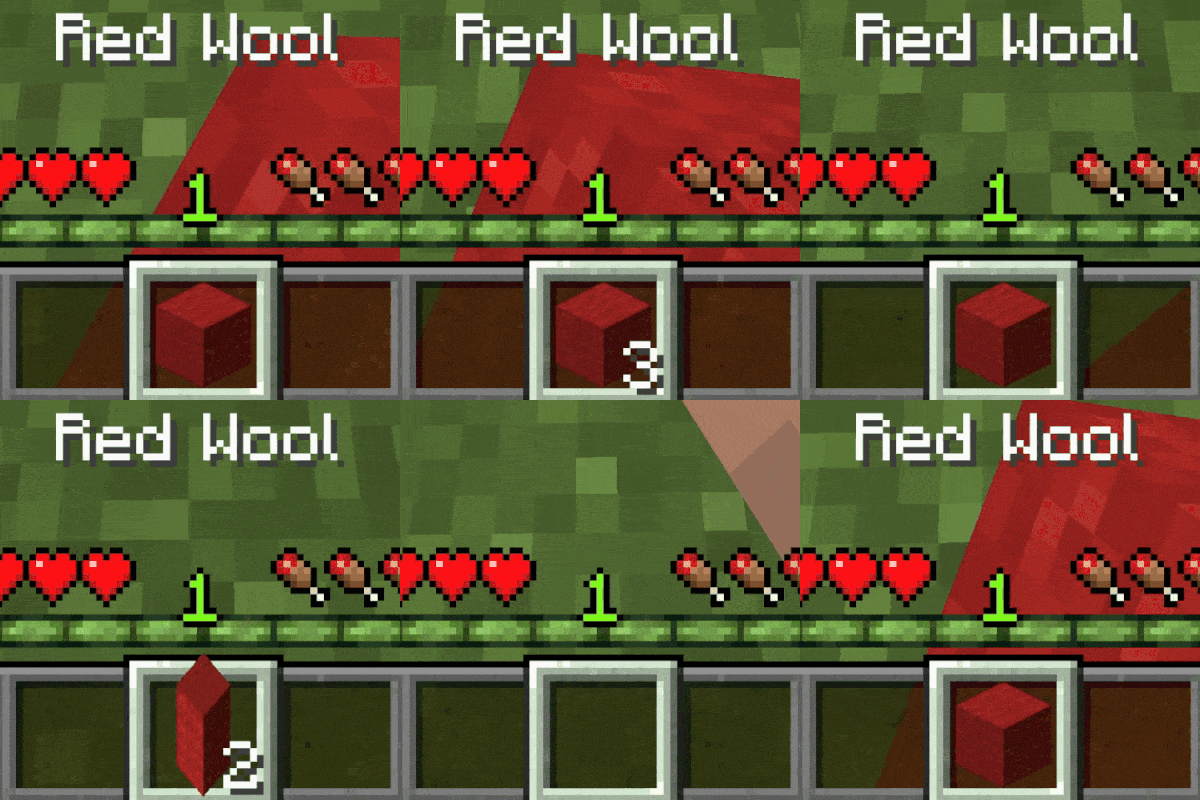
📚 Automatically refills the player's hand when using the final item if a replacement exists.
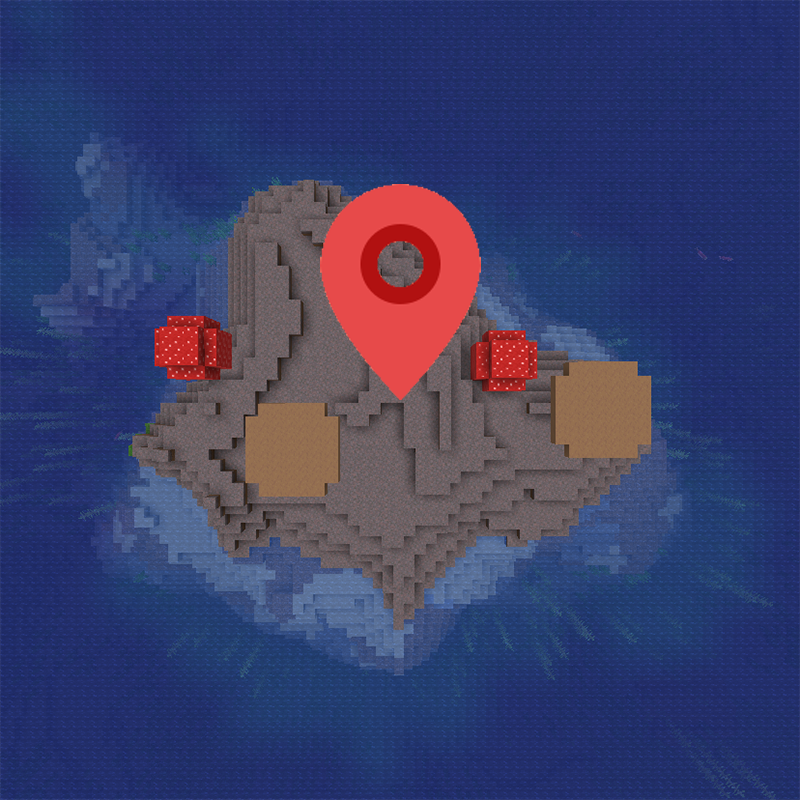
🌲 Allows specifying which biome players will spawn in on new world creation.

Fork of Shut Up Console - Tell those those annoy logs lines begone!
Explore the full category
🚀 Create your Minecraft Server
Compatible with all mods
Statistics
Downloads
16.4M
Popular Ranking
#1112
Information
Created
September 18, 2022
Updated
September 20, 2026
Authors
ErrorMikey