
Tetra - Upgrade Your Tools and Weapons in Minecraft
30.2M downloads • Rank: #2263

Description
Tetra is the mod for Minecraft that allows you to modify and upgrade your tools and weapons. Download Tetra and transform your gaming experience.
Tetra is a mod for Minecraft that revolutionizes the way you interact with your tools and weapons. This mod allows players to modify and upgrade their gear over time, offering an unprecedented customization experience. If you're looking for a way to make your tools more powerful and useful, Tetra is a must-have for your adventure in the game.
One of the standout features of Tetra is the ability to find tool parts and schematics in the world, whether by exploring ancient ruins or through trading. This not only adds an element of exploration but also allows you to upgrade your items as you use them. Additionally, Tetra includes two advancement tabs that cover most of the available content, making it easy to track your progress and discover new upgrades.
The mod includes a tool called the holosphere, which provides an overview of the statistics of modules, upgrades, and materials. This allows you to effectively plan how you want to customize your tools and weapons. Tetra is compatible with the utility library (mutil), which you must install manually if you are not using the CurseForge installer, ensuring that you have all the necessary functionalities.
Regarding compatibility, Tetra offers default compatibility with Curios for the toolbelt, and you can explore more compatibility options through the tetracelium compatibility list. This means you can integrate Tetra with other mods and enjoy an even richer and more varied gaming experience.
If you're ready to take your Minecraft experience to the next level, don't hesitate to download Tetra. With its focus on customization and continuous improvement, this mod has become a favorite among players looking to maximize their potential in the game. Try Tetra and transform your tools and weapons today!
🎥 Video
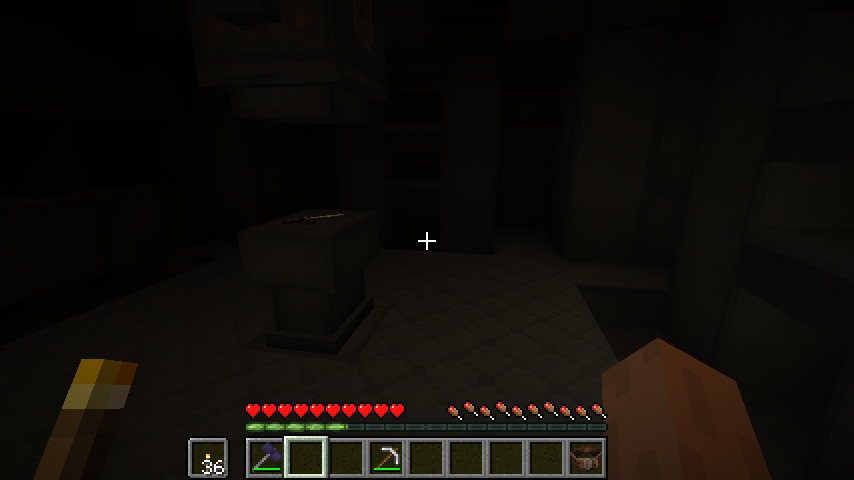
Screenshots8
Main File
6.17.0
Recent Files
View all →Minecraft 1.20
6.17.0
6.16.0
6.15.0
Minecraft 1.19
tetra-1.19.2-5.6.0.jar
Frequently Asked Questions about Tetra
How to install Tetra?
To install Tetra, you first need to have Minecraft with Forge/Fabric installed. Download the mod's .jar file and place it in the 'mods' folder of your Minecraft directory. Restart the game and the mod will be available.
What Minecraft versions is Tetra compatible with?
Tetra is compatible with Minecraft versions 1.20.1, 1.19.2, 1.19.1, 1.18.2, 1.18.1.
Is Tetra free?
Yes, Tetra is completely free. You can download it directly from this page or from CurseForge.
Comments (0)
Did it work for you?
Tell us which Minecraft version and which loader you used (Forge, Fabric, NeoForge, Quilt). If it crashed or clashed with another mod, say so here: you will save the next reader an afternoon.
Loading comments...
🔗 Related Mods
Nature's Compass is an item that allows you to locate biomes anywhere in the world.
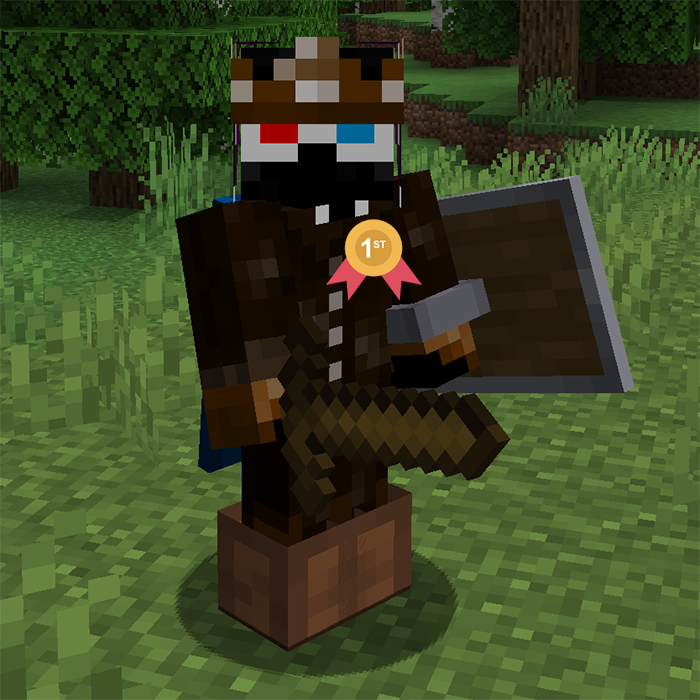
📦 Give all new players joining the world configurable starter gear, items and/or potion effects. It can overwrite the initial inventory, or add the items after. Compatible with FTB Team Islands.
Adds magical themed Content!
A utility belt that holds your tools
Tools, Machines, Gear, potions, villagers, fully configurable
Expansive content mod which adds a little bit of everything.
Explore the full category
Explore the full category
🚀 Create your Minecraft Server
Compatible with all mods
Statistics
Downloads
30.2M
Popular Ranking
#2263
Information
Created
March 8, 2018
Updated
August 3, 2026
Authors
mickelus