
Shrink. - Reduce Your Size and Explore New Horizons!
59.0M downloads • Rank: #505
Description
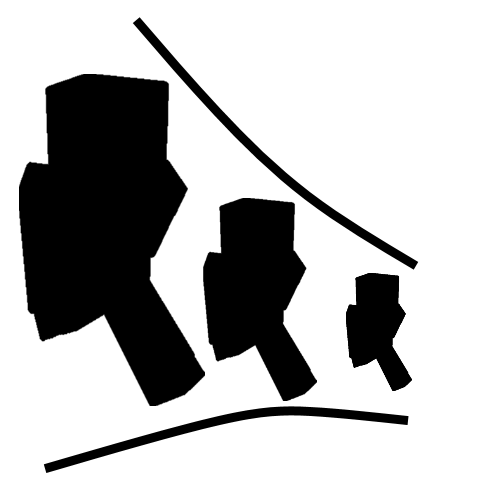
Shrink. is a mod for Minecraft that allows you to reduce your size and access unexplored places. Download and live the miniature adventure!
Shrink. is a mod for Minecraft that transforms your gaming experience by allowing you to change the size of your character. With this mod, you can reduce your size to about a quarter of a block, enabling you to access places that would normally be out of reach without breaking blocks. This mod is a must-have for those seeking new ways to explore and live adventures in the world of Minecraft.
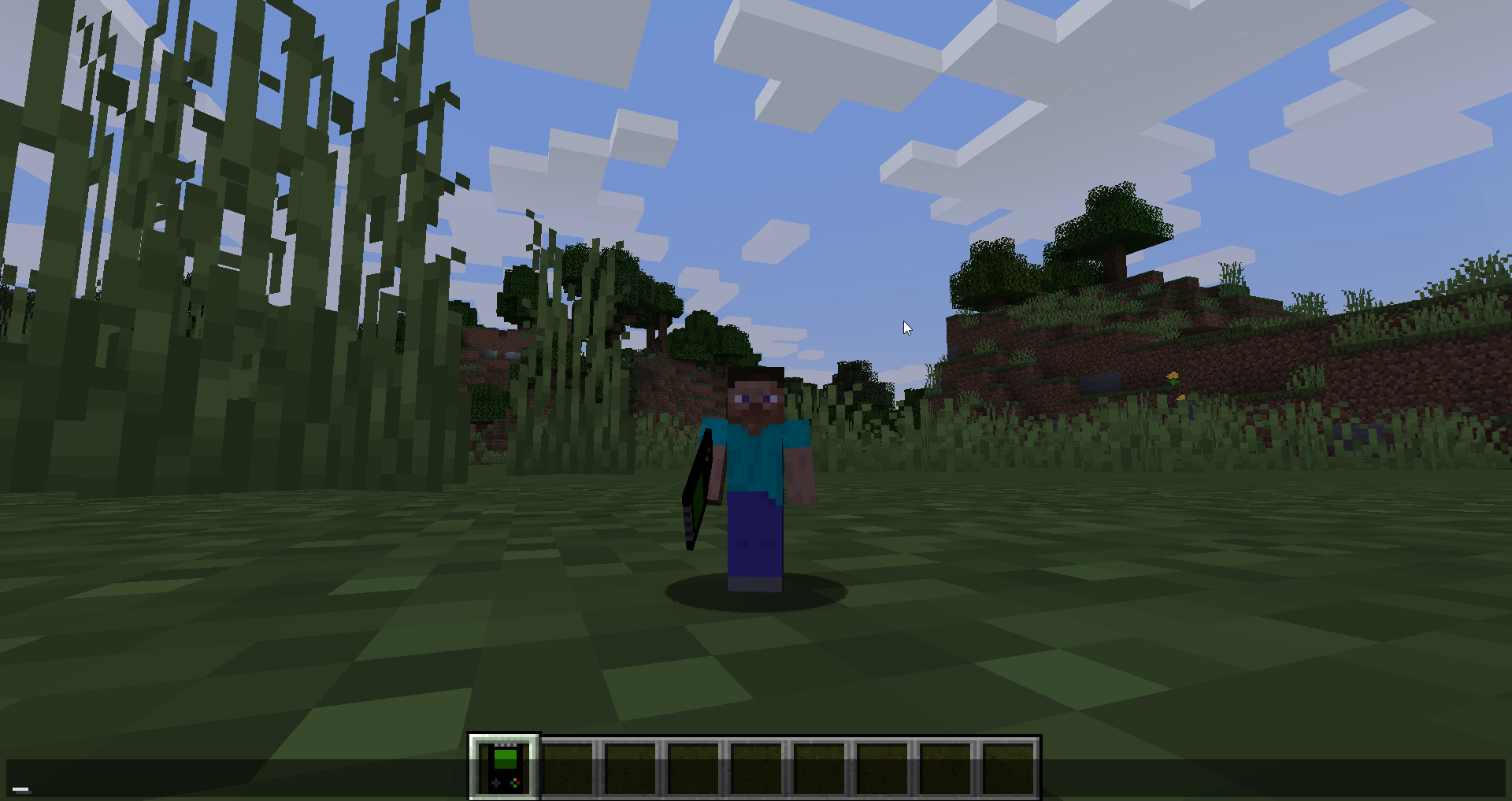
The mod introduces a unique item called the Personal Reduction Device. By right-clicking while holding the Shift key, your character will magically shrink. This device requires energy from any RF/Forge source, although you can disable this feature in the configuration file if you prefer. Imagine sneaking into secret passages, exploring tiny corners, or even hiding from mobs like a miniature adventurer.
The possibilities are endless: need to slide through a narrow passage? Shrink! Want to experience the world from an insect's perspective? Shrink! Despite your reduced size, you will still be a formidable warrior, capable of wielding powerful weapons and armor. However, be careful, as some mobs may not appreciate your new compact appearance.
Shrink. is compatible with the latest versions of Minecraft and integrates seamlessly into your gaming experience. This mod is perfect for both new players and veterans looking to add a touch of fun and creativity to their adventures. Downloading Shrink. is the first step to discovering a world full of new opportunities and challenges.
If you're ready to experience a unique and exciting adventure in Minecraft, don't hesitate to try Shrink. You'll be amazed at what you can discover in miniature!
🎥 Video
Screenshots3
Main File
26.3-2.1.2 [NeoForge]
Recent Files
View all →Minecraft 1.21
1.21.11-2.0.1.54 [Fabric]
1.21.11-2.0.1.54 [NeoForge]
1.21.7-2.0.1.54 [NeoForge]
Frequently Asked Questions about Shrink.
How to install Shrink.?
To install Shrink., you first need to have Minecraft with Forge/Fabric installed. Download the mod's .jar file and place it in the 'mods' folder of your Minecraft directory. Restart the game and the mod will be available.
What Minecraft versions is Shrink. compatible with?
Shrink. is compatible with Minecraft versions 26.3, 26.1.2, 1.21.11, 1.21.8, 1.21.7.
Is Shrink. free?
Yes, Shrink. is completely free. You can download it directly from this page or from CurseForge.
Comments (0)
Did it work for you?
Tell us which Minecraft version and which loader you used (Forge, Fabric, NeoForge, Quilt). If it crashed or clashed with another mod, say so here: you will save the next reader an afternoon.
Loading comments...
🔗 Related Mods
Kill mobs and players through grass
Prevents Incorrect Tag Entries from breaking an entire Tag

Shows a GUI after Minecraft crashes, immediately showing and analyzing all affected logs.
Ultimate Woodcutter. As it was intented, Compatible with ANY Mod, automatically. Includes Carpenter Villager
No more recipe conflicts! Adds an option to choose the crafting result if more than one is available.
A simple mod to solve various problems with packets, NBTs and timeouts.
Explore the full category
Explore the full category
🚀 Create your Minecraft Server
Compatible with all mods
Statistics
Downloads
59.0M
Popular Ranking
#505
Information
Created
December 8, 2020
Updated
September 16, 2026
Authors
Gigabit101