
Paintings ++ - Customize Your Walls in Minecraft
49.0M downloads • Rank: #1779

Description
Paintings ++ is the mod for Minecraft that allows you to add and select custom paintings to decorate your spaces. Download and transform your world!
Paintings ++ is a mod for Minecraft that revolutionizes the way you decorate your spaces. This mod allows you to add a wide variety of custom paintings to your walls, giving you the opportunity to express your style and creativity in the game. If you've ever felt that your builds lacked personality, this mod is a must-have for you.
With Paintings ++, you'll enjoy an intuitive graphical interface that lets you select the painting you want to place on your wall. From classic artworks to modern designs, this mod offers an impressive selection that caters to all tastes. Additionally, it is compatible with recent versions of Minecraft and works seamlessly in Forge and Fabric environments.
One of the most exciting features of Paintings ++ is its support for custom painting packs. You can create your own art packs and share them with the community, meaning there will always be something new and exciting to discover. It's also possible to download packs from other players, further expanding your decorative options.
This mod is compatible with most resource and texture packs, allowing you to integrate your paintings into any building style you desire. Furthermore, Paintings ++ supports transparency in versions 1.19 and above, adding an extra level of customization to your artworks.
In conclusion, if you're looking to give a unique touch to your builds in Minecraft, don't hesitate to download Paintings ++. This mod will not only beautify your spaces but also allow you to explore your creativity in ways you never imagined. Try Paintings ++ and transform your world today!
🎥 Video
Screenshots5
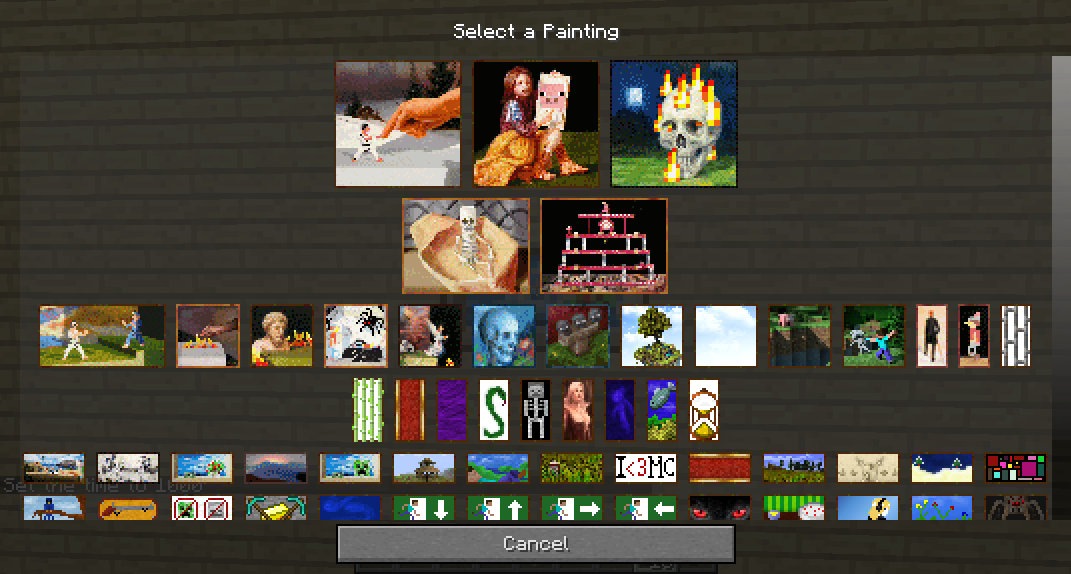
Main File
Paintings ++-neo-1.21.11-17.1.0
Recent Files
View all →Minecraft 1.21
Paintings ++-neo-1.21.11-17.1.0
Paintings ++-fabric-1.21.11-17.1.0
Paintings ++-fabric-1.21.11-17.0.0
Minecraft 1.20
Paintings-neoforge-1.20.4-12.0.0.5.jar
Minecraft 1.12
Legacy-PSG-1.12.2-1.1.0.1.jar
Frequently Asked Questions about Paintings ++
How to install Paintings ++?
To install Paintings ++, you first need to have Minecraft with Forge/Fabric installed. Download the mod's .jar file and place it in the 'mods' folder of your Minecraft directory. Restart the game and the mod will be available.
What Minecraft versions is Paintings ++ compatible with?
Paintings ++ is compatible with Minecraft versions 1.21.11, 1.21.9, 1.21.8, 1.21.5, 1.21.1.
Is Paintings ++ free?
Yes, Paintings ++ is completely free. You can download it directly from this page or from CurseForge.
Comments (0)
Did it work for you?
Tell us which Minecraft version and which loader you used (Forge, Fabric, NeoForge, Quilt). If it crashed or clashed with another mod, say so here: you will save the next reader an afternoon.
Loading comments...
🔗 Related Mods
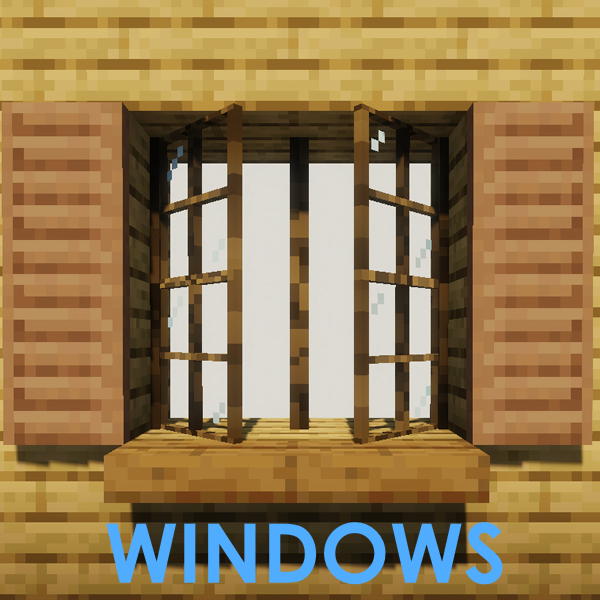
Adds lots of Windows, Mosaic Glass, Blinds, Shutters, Curtains and more..!
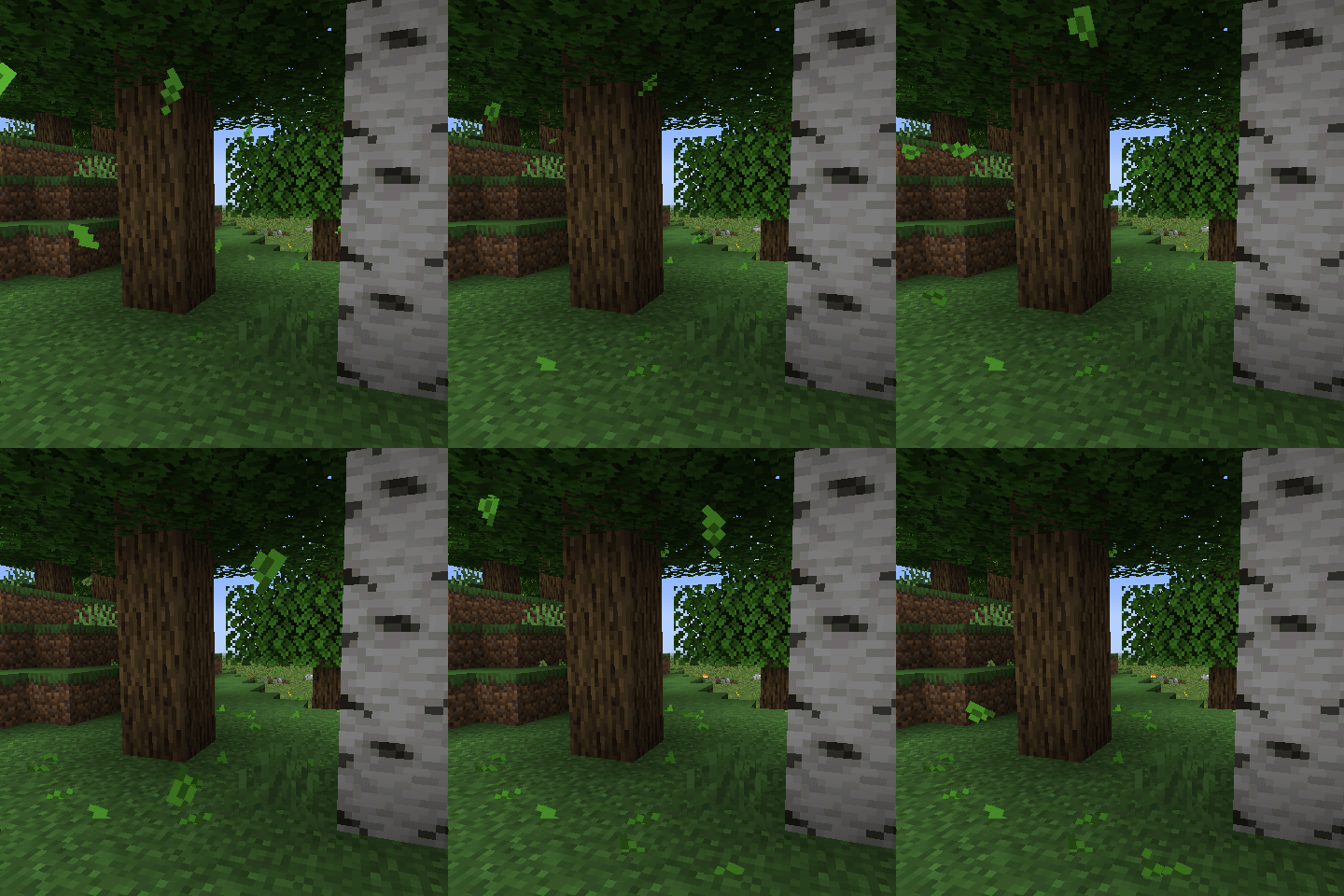
Falling Leaves from trees
A basic menu editor for modpacks.
A little decorative and functional mod
![Prism [Neo/Forge]](https://media.forgecdn.net/avatars/581/617/637946673404611382.png)
A library all about color! Provides lots of color-related functionality for dependent mods.
![Farsight [Forge/Neo]](https://media.forgecdn.net/avatars/532/489/637856138513958598.png)
See far chunks on clientside, even if the server has low view distance
Explore the full category
Explore the full category
🚀 Create your Minecraft Server
Compatible with all mods
Statistics
Downloads
49.0M
Popular Ranking
#1779
Information
Created
October 10, 2016
Updated
January 16, 2026
Authors
AbsolemJackdaw