
ItemLocks - Protect Your Items in Minecraft
8.6M downloads • Rank: #1586

Description
ItemLocks is the Minecraft mod that allows you to lock slots in your inventory, preventing unwanted movements. Download it and play worry-free!
ItemLocks is a mod for Minecraft that has become an essential tool for players looking to enhance their gaming experience. This mod allows you to lock specific slots in your inventory, meaning you can avoid accidentally moving items at critical moments, such as during intense PvP battles. Imagine being in a high-pressure situation and, thanks to ItemLocks, keeping your sword in place without fear of losing it due to a mistake.
One of the standout features of ItemLocks is its ease of use. You can activate the lock on individual slots by holding down the lock key (default: C) and left-clicking on the desired slot. If you need to interact with a locked slot, you can bypass the lock by holding down the bypass key (default: B). Additionally, locks are saved separately in each world or server, allowing you to customize your experience without hassle.
The mod is fully configurable, allowing you to adjust the options to your liking through the mod list or by pressing the options key (default: N). Although currently, locks cannot be placed on empty slots, this functionality is planned for future updates. It is important to note that while ItemLocks helps manage your inventory, it does not protect against item loss upon death nor does it prevent the server from manipulating the inventory.
ItemLocks is compatible with most versions of Minecraft and works optimally in both single-player and multiplayer environments. This mod is ideal for both novice and veteran players looking for a way to improve their control over the inventory. If you want to enjoy a smoother and worry-free gaming experience, don't hesitate to download ItemLocks and try it on your next adventure.
Main File
ItemLocks-Fabric-26.3-1.3.14.jar
Recent Files
View all →Minecraft 1.21
ItemLocks-NeoForged-1.21.11-1.3.13.jar
ItemLocks-Fabric-1.21.10-1.3.13.jar
ItemLocks-NeoForged-1.21.10-1.3.13.jar
Frequently Asked Questions about ItemLocks
How to install ItemLocks?
To install ItemLocks, you first need to have Minecraft with Forge/Fabric installed. Download the mod's .jar file and place it in the 'mods' folder of your Minecraft directory. Restart the game and the mod will be available.
What Minecraft versions is ItemLocks compatible with?
ItemLocks is compatible with Minecraft versions 26.3, 26.2, 26.1.2, 26.1.1, 26.1.
Is ItemLocks free?
Yes, ItemLocks is completely free. You can download it directly from this page or from CurseForge.
Comments (0)
Did it work for you?
Tell us which Minecraft version and which loader you used (Forge, Fabric, NeoForge, Quilt). If it crashed or clashed with another mod, say so here: you will save the next reader an afternoon.
Loading comments...
🔗 Related Mods
Adds in-game descriptions for enchantments to tooltips.

Data-driven minecraft in-game documentation with progress visualization.
![Server Performance - Smooth Chunk Save[Forge/Fabric]](https://media.forgecdn.net/avatars/536/807/637859186206116434.png)
Enables lag-free continuous chunk saving, increasing server TPS

Adds some useful information about food/hunger to the HUD
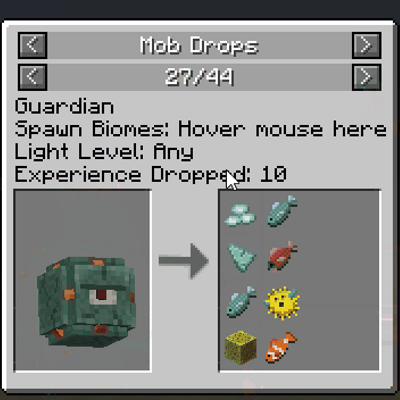
A JEI addon that adds mob drops, ore gen, ..
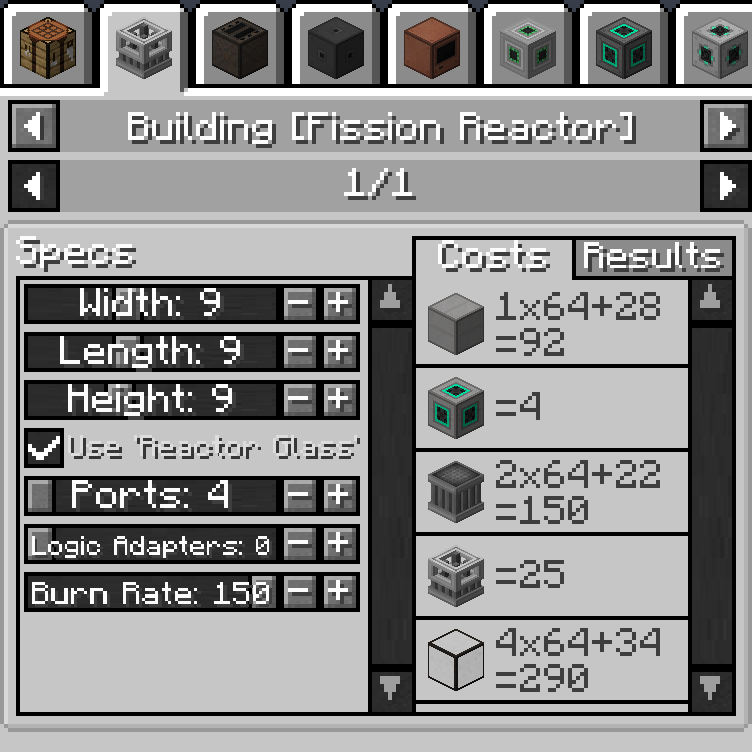
Add JEI page for calculate mekanism multiblock cost
Explore the full category
Explore the full category
🚀 Create your Minecraft Server
Compatible with all mods
Statistics
Downloads
8.6M
Popular Ranking
#1586
Information
Created
October 9, 2018
Updated
September 18, 2026
Authors
Kirdow, ThaUnknown_