
Inventory Profiles Next - Organize Your Inventory Like Never Before
38.2M downloads • Rank: #961

Description
Inventory Profiles Next is the mod for Minecraft that optimizes your inventory management. Download and enhance your gaming experience.
Inventory Profiles Next is a mod for Minecraft that transforms the way you manage your inventory, making it more organized and efficient. This mod is a must-have for players looking to optimize their gaming experience, allowing you to keep everything in place and access items quickly. With this mod, you can organize your inventory intuitively and without complications.
Among its standout features is the ability to lock item slots so they are not affected by the sorting process. This means you can keep certain items always at hand while sorting the rest. Additionally, you can empty your inventory into a chest with a single click, making resource management easier and saving time on your adventures.
The mod also allows you to set up custom shortcuts using the key combination R+C, giving you total control over how you interact with your inventory. All of this runs purely client-side, ensuring it works on any server without issues. However, it is important to mention that Inventory Profiles Next is not a direct replacement for Inventory Tweaks, so players coming from that mod will need to adapt to its new functionality.
Compatible with Fabric and Forge, this mod integrates seamlessly into the latest versions of Minecraft. While it may have some limitations on servers using Quilt, its basic functionality remains solid and reliable. Downloading Inventory Profiles Next is the first step to taking your inventory management to the next level and enjoying a smoother gaming experience.
In conclusion, if you want to simplify the organization of your inventory and improve your efficiency in Minecraft, don't hesitate to try Inventory Profiles Next. This mod is a powerful tool that will help you maintain control over your items and resources. Download it today and discover the difference!
🎥 Video
Main File
InventoryProfilesNext-neoforge-26.3-2.3.8.jar
Recent Files
View all →Frequently Asked Questions about Inventory Profiles Next
How to install Inventory Profiles Next?
To install Inventory Profiles Next, you first need to have Minecraft with Forge/Fabric installed. Download the mod's .jar file and place it in the 'mods' folder of your Minecraft directory. Restart the game and the mod will be available.
What Minecraft versions is Inventory Profiles Next compatible with?
Inventory Profiles Next is compatible with Minecraft versions 26.3, 26.2, 26.1.2, 26.1.1, 26.1.
Is Inventory Profiles Next free?
Yes, Inventory Profiles Next is completely free. You can download it directly from this page or from CurseForge.
Comments (0)
Did it work for you?
Tell us which Minecraft version and which loader you used (Forge, Fabric, NeoForge, Quilt). If it crashed or clashed with another mod, say so here: you will save the next reader an afternoon.
Loading comments...
🔗 Related Mods

Adds a search bar to the Key-Bindings menu

Yeetus Experimental Settings
![[ETF] Entity Texture Features - [Fabric & Forge]](https://media.forgecdn.net/avatars/983/279/638491557830728907.png)
Custom, Emissive and Varied mobs like Optifine and so much more.. +Player skin features!)
JSON based item tweaking. Disable items, recipes, trades, creative tabs, JEI/REI/EMI, and more.
Break only the half of a double slab that you're looking at.
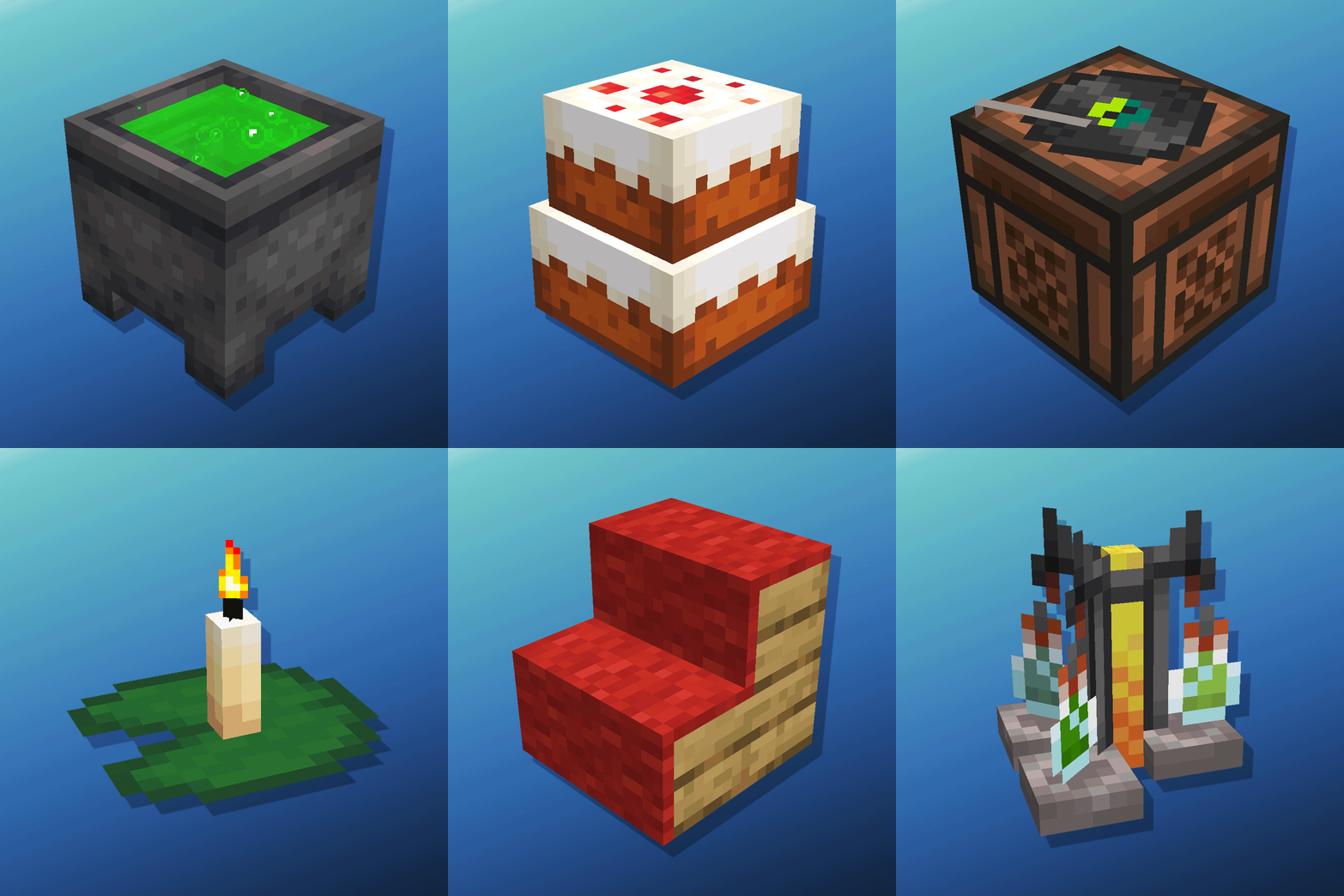
Cauldron Potion Mixing, Lanterns Animation, Carpeted Stairs, Candle Skulls, Double Cakes, Better Lilypads and much more
Explore the full category
Explore the full category
🚀 Create your Minecraft Server
Compatible with all mods
Statistics
Downloads
38.2M
Popular Ranking
#961
Information
Created
June 20, 2021
Updated
September 27, 2026
Authors
mirinimi