
EnhancedVisuals - Enhance Your Visual Experience in Minecraft
62.8M downloads • Rank: #440
Description
EnhancedVisuals transforms the Minecraft interface with stunning visual effects. Download this mod and experience something unique.
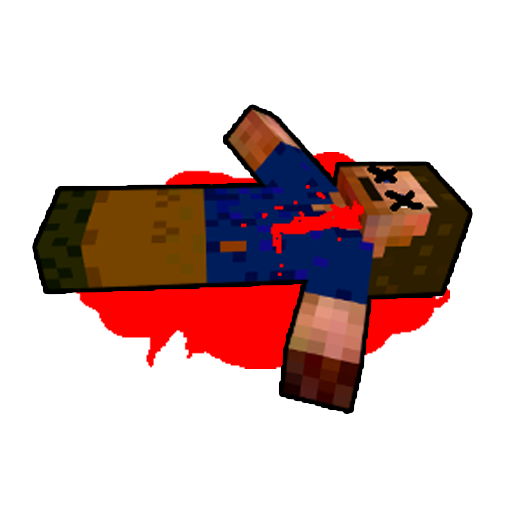
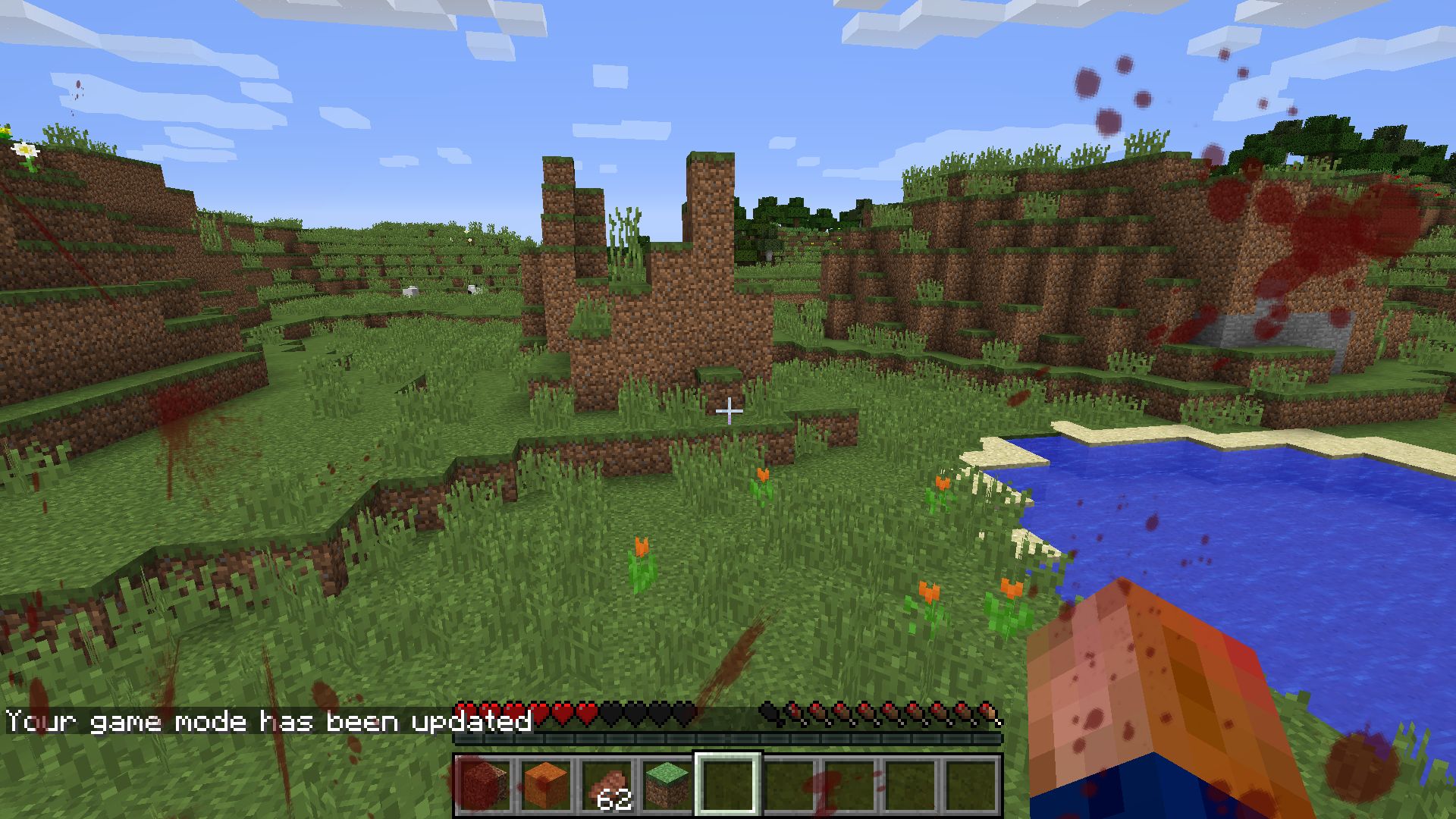
EnhancedVisuals is a mod for Minecraft that transforms the gameplay experience by adding stunning visual effects to the user interface (HUD). This mod is a must-have for those looking to immerse themselves even more in the world of Minecraft, making every adventure more exciting and visually appealing.
Some of the standout features of EnhancedVisuals include distortion effects, lighting changes, and improvements in the representation of health and hunger. These effects not only beautify the game but also provide useful information in a more dynamic and engaging way. Additionally, installation is straightforward and integrates seamlessly with most graphic resources.
To enjoy EnhancedVisuals alongside Optifine, it is important to disable certain settings such as Fast Render, Anisotropic Filtering, and Antialiasing, as they may cause visual issues. This mod is compatible with other mods and resources, allowing you to further customize your gaming experience without compromising performance.
If you are a player who values aesthetics and immersion in Minecraft, downloading EnhancedVisuals is a decision you won't regret. With its ability to transform the interface and make the game more engaging, this mod has become a favorite among the community. Don't wait any longer and enhance your gaming experience today!
🎥 Video
Screenshots3
Main File
EnhancedVisuals_FABRIC_v1.8.34_mc26.3.jar
Recent Files
View all →Minecraft 1.21
EnhancedVisuals_FABRIC_v1.8.34_mc1.21.1.jar
EnhancedVisuals_NEOFORGE_v1.8.34_mc1.21.1.jar
EnhancedVisuals_NEOFORGE_v1.8.31_mc1.21.1.jar
Minecraft 1.20
EnhancedVisuals_FABRIC_v1.8.34_mc1.20.1.jar
EnhancedVisuals_FORGE_v1.8.34_mc1.20.1.jar
EnhancedVisuals_FORGE_v1.8.33_mc1.20.1.jar
Frequently Asked Questions about EnhancedVisuals
How to install EnhancedVisuals?
To install EnhancedVisuals, you first need to have Minecraft with Forge/Fabric installed. Download the mod's .jar file and place it in the 'mods' folder of your Minecraft directory. Restart the game and the mod will be available.
What Minecraft versions is EnhancedVisuals compatible with?
EnhancedVisuals is compatible with Minecraft versions 26.3, 26.2, 26.1.2, 26.1, 1.21.11.
Is EnhancedVisuals free?
Yes, EnhancedVisuals is completely free. You can download it directly from this page or from CurseForge.
Comments (0)
Did it work for you?
Tell us which Minecraft version and which loader you used (Forge, Fabric, NeoForge, Quilt). If it crashed or clashed with another mod, say so here: you will save the next reader an afternoon.
Loading comments...
🔗 Related Mods

An open source library for other mods!

Expanding on Minecraft Potions
No more recipe conflicts! Adds an option to choose the crafting result if more than one is available.

Play custom melodies on various instruments and annoy your friends!
![Chat Animation [Smooth Chat]](https://media.forgecdn.net/avatars/927/15/638397249106651520.png)
Makes chat messages appear with a smooth animation.
it's 2021 and you can't change the narrator key UPDATE: it's 2022 and you still can't change the narrator key UPDATE: it's 2023 and you still can't change the narrator key UPDATE: it's 2024 and you still can't change the narrator key UPDATE: it's 2025 and
Explore the full category
🚀 Create your Minecraft Server
Compatible with all mods
Statistics
Downloads
62.8M
Popular Ranking
#440
Information
Created
December 18, 2016
Updated
October 6, 2026
Authors
CreativeMD