
Bobby
20.5M downloads • Rank: #1105

Description
Bobby allows rendering distances greater than the server's view distance setting, enhancing the visual experience in Minecraft.
Among its main features, Bobby offers an easy-to-use interface and seamlessly integrates with other mods and game settings. It is compatible with most versions of Minecraft, making it an accessible option for many players. Additionally, its installation is straightforward, allowing both novices and veterans to quickly enjoy its benefits.
If you are looking to enhance your visual experience in Minecraft and enjoy a more expansive and detailed world, Bobby is the perfect mod for you. Don't miss the chance to explore all that this amazing mod has to offer!
Main File
Bobby 5.2.16 for Minecraft 26.3
Recent Files
View all →Minecraft 1.21
bobby-5.2.11.1+mc1.21.11.jar
bobby-5.2.4.1+mc1.21.jar
bobby-5.2.11+mc1.21.11.jar
Minecraft 1.20
bobby-5.0.1.1.jar
bobby-5.2.1+mc1.20.6.jar
Frequently Asked Questions about Bobby
How to install Bobby?
To install Bobby, you first need to have Minecraft with Forge/Fabric installed. Download the mod's .jar file and place it in the 'mods' folder of your Minecraft directory. Restart the game and the mod will be available.
What Minecraft versions is Bobby compatible with?
Bobby is compatible with Minecraft versions 26.3, 26.2, 26.1.2, 26.1.1, 26.1.
Is Bobby free?
Yes, Bobby is completely free. You can download it directly from this page or from CurseForge.
Comments (0)
Did it work for you?
Tell us which Minecraft version and which loader you used (Forge, Fabric, NeoForge, Quilt). If it crashed or clashed with another mod, say so here: you will save the next reader an afternoon.
Loading comments...
🔗 Related Mods
Improves third-person camera view.

Fully client side Gamma / Brightness / Night Vision mod, making it easy to see in the dark. Basically Fullbright for Fabric.
Enhance your gameplay experience with animated UI components
The cape shouldn't be a static slab
The extra content of Supplementaries that doesn't necessarily fit in the base mod!
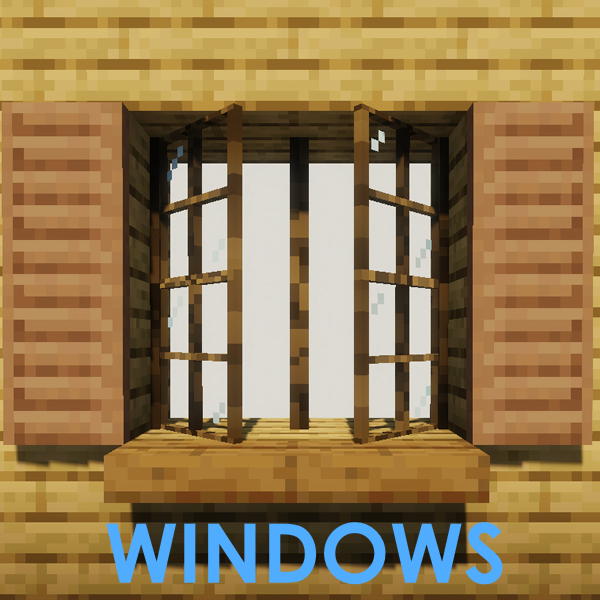
Adds lots of Windows, Mosaic Glass, Blinds, Shutters, Curtains and more..!
Explore the full category
🚀 Create your Minecraft Server
Compatible with all mods
Statistics
Downloads
20.5M
Popular Ranking
#1105
Information
Created
September 21, 2020
Updated
October 6, 2026
Authors
Johni0702