
Areas - Create Custom Zones in Minecraft
10.6M downloads • Rank: #3997
Description
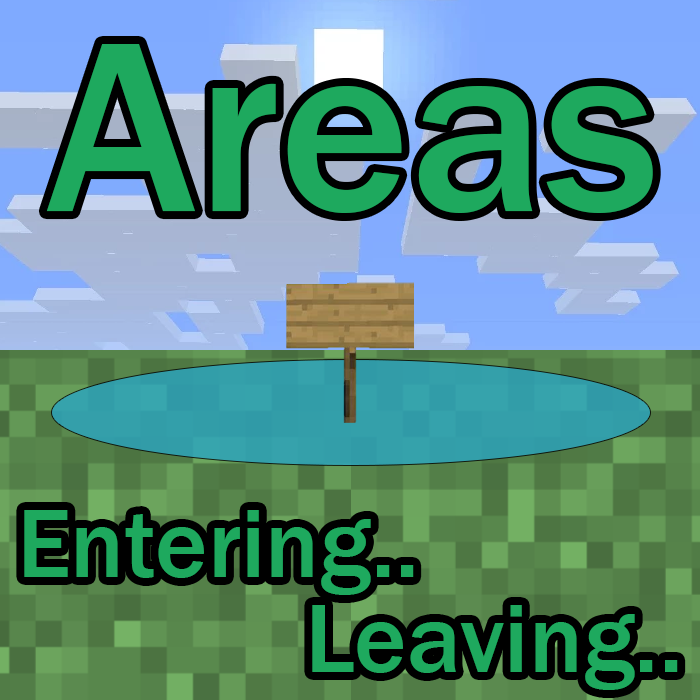
Areas is a mod for Minecraft that allows you to easily create named zones. Download and organize your world like never before.
Areas is a mod for Minecraft that transforms the way players interact with the world, allowing for the easy creation of custom and named zones. With this mod, you can define specific areas such as towns, kingdoms, or regions simply by placing a sign and specifying the radius and name. This not only improves world organization but also adds a touch of immersion to the game.
One of the standout features of Areas is its ability to send messages to players when they enter or exit a zone. By default, you will receive a notice at the top of the screen that says "Entering the area" when you enter and "Leaving the area" when you exit. These messages are fully configurable, allowing you to customize the experience according to your preferences. Additionally, you can choose unique RGB colors for each area, making the visual experience even more appealing.
The mod is compatible with multiplayer mode, meaning all players on the server must have the mod installed to enjoy its benefits. It also allows for overlapping areas, which means you can create more complex and dynamic area shapes. The configuration is quite flexible, allowing you to adjust parameters such as the detection radius of signs and the duration of on-screen messages.
Areas is part of the popular modpacks The Vanilla Experience and Serilum's RPG Bundle, ensuring its quality and functionality. This mod is ideal for both new and veteran players looking to add a new dimension to their gaming experience. Downloading Areas is a great way to organize your world and make exploration more fun and meaningful.
In conclusion, if you are looking for a way to enrich your experience in Minecraft and give a new purpose to your adventures, don't hesitate to try Areas. This mod will allow you to create a more interactive and organized world, so download it and start exploring your new zones today!
Main File
[Fabric/Forge/Neo] 26.3.0-7.0 | Areas
Recent Files
View all →Minecraft 1.21
[Fabric/Forge/Neo] 1.21.1-7.0 | Areas
[Fabric/Forge/Neo] 1.21.1-6.6 | Areas
[Fabric/Forge/Neo] 1.21.1-6.5 | Areas
Minecraft 1.20
[Fabric/Forge/Neo] 1.20.1-7.0 | Areas
[Fabric/Forge/Neo] 1.20.1-6.6 | Areas
[Fabric/Forge/Neo] 1.20.1-6.5 | Areas
Frequently Asked Questions about Areas
How to install Areas?
To install Areas, you first need to have Minecraft with Forge/Fabric installed. Download the mod's .jar file and place it in the 'mods' folder of your Minecraft directory. Restart the game and the mod will be available.
What Minecraft versions is Areas compatible with?
Areas is compatible with Minecraft versions 26.3, 26.2, 26.1.2, 26.1.1, 26.1.
Is Areas free?
Yes, Areas is completely free. You can download it directly from this page or from CurseForge.
Comments (0)
Did it work for you?
Tell us which Minecraft version and which loader you used (Forge, Fabric, NeoForge, Quilt). If it crashed or clashed with another mod, say so here: you will save the next reader an afternoon.
Loading comments...
🔗 Related Mods
EMI/JEI/REI plugin for displaying advanced information about loot tables and villager trades
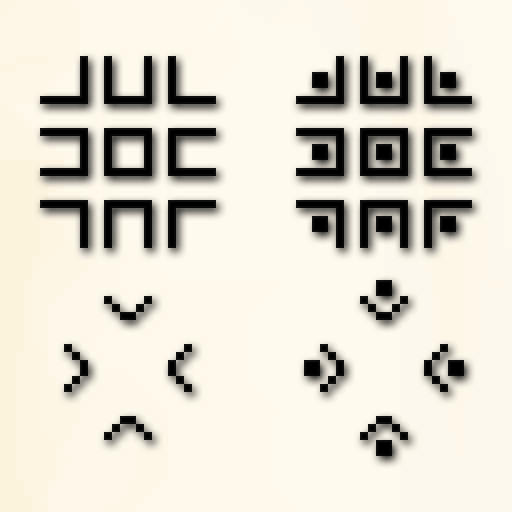
Adds the pigpen cipher to Minecraft
![Server Performance - Smooth Chunk Save[Forge/Fabric]](https://media.forgecdn.net/avatars/536/807/637859186206116434.png)
Enables lag-free continuous chunk saving, increasing server TPS
A modding and testing toolkit with a few other minor utilities.
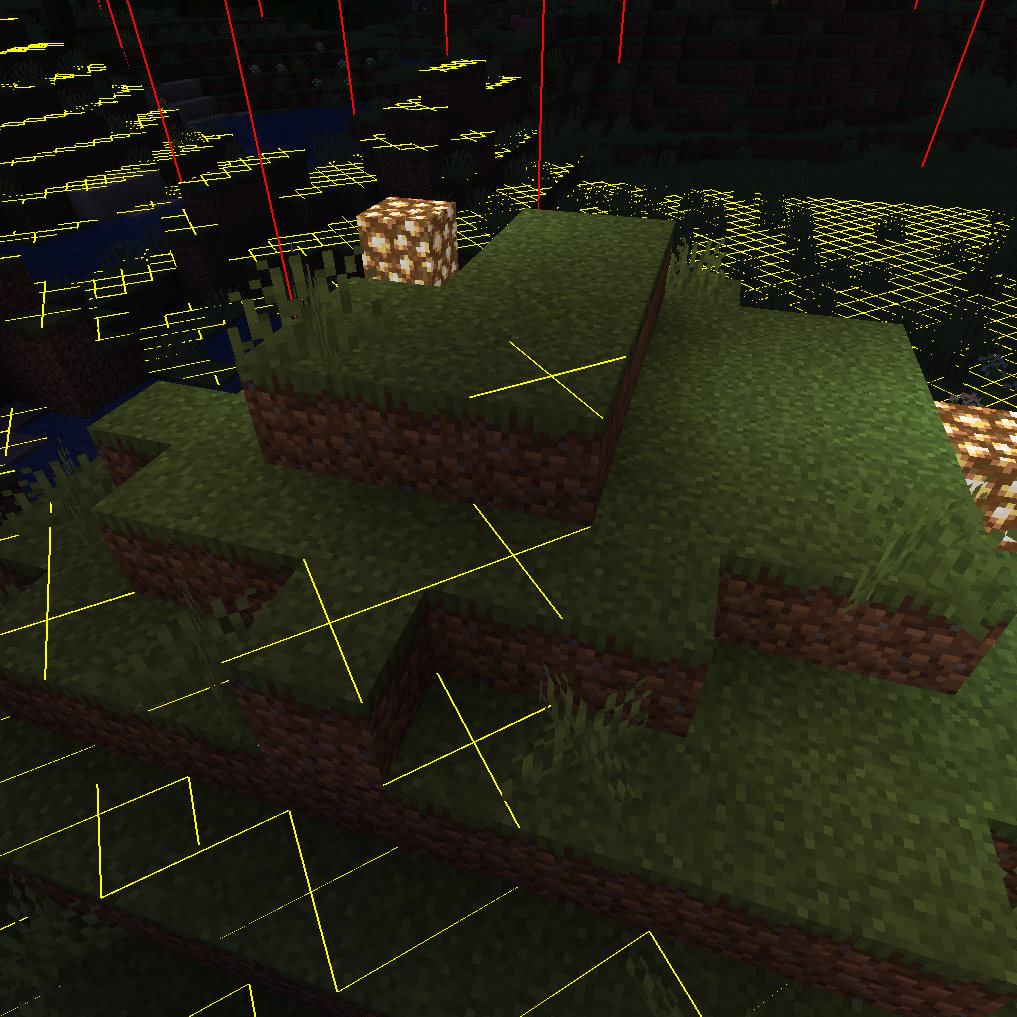
Adds NEI-like light overlay for mob spawns, a chunk border overlay and a JEI item search overlay. (updated for 1.15.2, 1.16.5, 1.18.2, 1.19, 1.20, 1.21) NEW: light level number overlay
See who are you chatting with! Now for Forge too!
Explore the full category
Explore the full category
🚀 Create your Minecraft Server
Compatible with all mods
Statistics
Downloads
10.6M
Popular Ranking
#3997
Information
Created
June 25, 2020
Updated
October 21, 2026
Authors
Serilum