
Accessories - Enhance Your Minecraft Experience with Accessories
29.8M downloads • Rank: #289
Description
Accessories is a mod for Minecraft that adds a variety of useful accessories to customize your game. Download and transform your adventure.
Accessories is a mod for Minecraft that introduces an exciting variety of accessories that enhance gameplay and customization of your experience. This mod allows players to equip different accessories that offer unique abilities and benefits, making it a must-have addition for any game lover.
Among the standout features of Accessories is its compatibility with other popular mods like Trinkets and Curios. This means you can install the Accessories Compatibility Cloak to enjoy a unified experience, allowing your accessories to work seamlessly with other mods you already use. Additionally, the mod includes a model translation API that makes it easier for developers to create custom accessories, ensuring they integrate perfectly into the game.
Managing equipped accessories is another key feature. Players can access tamed entities and allow other mods to add accessory items for pets or mounts. This not only enhances the player experience but is also useful for server owners who want to manage accessories for other players without complicated commands. Simply hold down the Shift key and use the 'Open Accessories Screen' option on any entity to access their accessories.
Accessories is fully compatible with the latest versions of Minecraft and works on platforms like NeoForge and Fabric. This ensures that players from different environments can enjoy its features without issues. Moreover, the mod is designed to be user-friendly, making it an ideal choice for both new players and veterans looking to expand their arsenal of tools and skills.
In conclusion, if you're looking for a way to enrich your Minecraft experience, downloading Accessories is the perfect decision. This mod not only adds a layer of customization but also enhances gameplay in ways you never imagined. Don't wait any longer and start exploring all that Accessories has to offer!
🎥 Video
Main File
[1.20.1] Accessories [Fabric] - 1.0.0-beta.49+1.20.1
Recent Files
View all →Minecraft 1.21
[1.21.1] Accessories [Fabric] - 1.1.0-beta.54
[1.21.1] Accessories [Neoforge] - 1.1.0-beta.54
[1.21.1] Accessories [Fabric] - 1.1.0
Minecraft 1.20
[1.20.1] Accessories [Fabric] - 1.0.0-beta.49+1.20.1
[1.20.1] Accessories [Neoforge] - 1.0.0-beta.49+1.20.1
[1.20.1] Accessories [Fabric] - 1.0.0
Frequently Asked Questions about Accessories
How to install Accessories?
To install Accessories, you first need to have Minecraft with Forge/Fabric installed. Download the mod's .jar file and place it in the 'mods' folder of your Minecraft directory. Restart the game and the mod will be available.
What Minecraft versions is Accessories compatible with?
Accessories is compatible with Minecraft versions 1.21.10, 1.21.8, 1.21.5, 1.21.1, 1.21.
Is Accessories free?
Yes, Accessories is completely free. You can download it directly from this page or from CurseForge.
Comments (0)
Did it work for you?
Tell us which Minecraft version and which loader you used (Forge, Fabric, NeoForge, Quilt). If it crashed or clashed with another mod, say so here: you will save the next reader an afternoon.
Loading comments...
🔗 Related Mods

Core API library for the Fabric toolchain
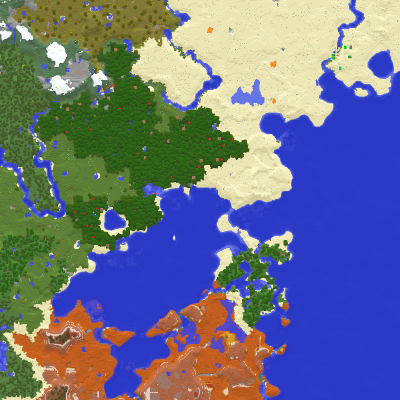
Adds a fullscreen worldmap which shows you what you have explored in the world. Can work together with Xaero's Minimap.

Speed up immediate mode rendering in Minecraft
![Chat Animation [Smooth Chat]](https://media.forgecdn.net/avatars/927/15/638397249106651520.png)
Makes chat messages appear with a smooth animation.

Harvest multiple blocks at once
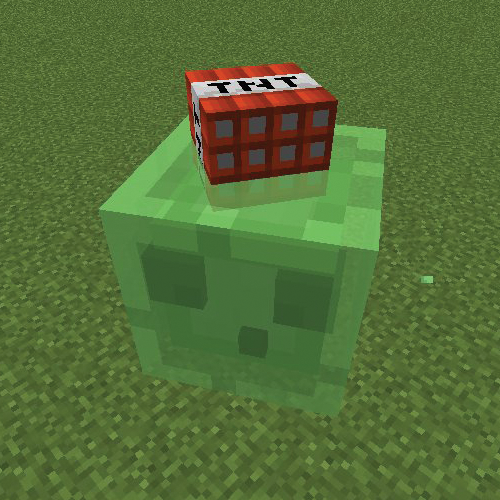
Makes slimes pickup items.
Explore the full category
🚀 Create your Minecraft Server
Compatible with all mods
Statistics
Downloads
29.8M
Popular Ranking
#289
Information
Created
June 22, 2024
Updated
October 17, 2026
Authors
Blodhgarm