
Armored Arms - Customize Your Experience with Armor
325.6K downloads • Rank: #4879
Description
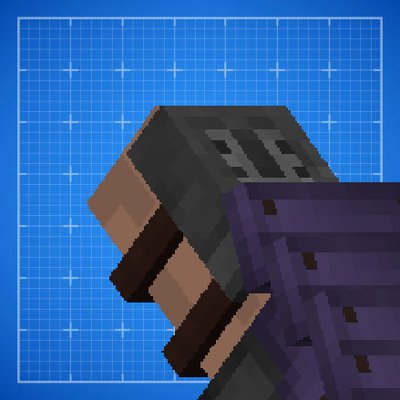
Armored Arms is a Minecraft mod that enhances the display of armor in first person. Download and transform your game.
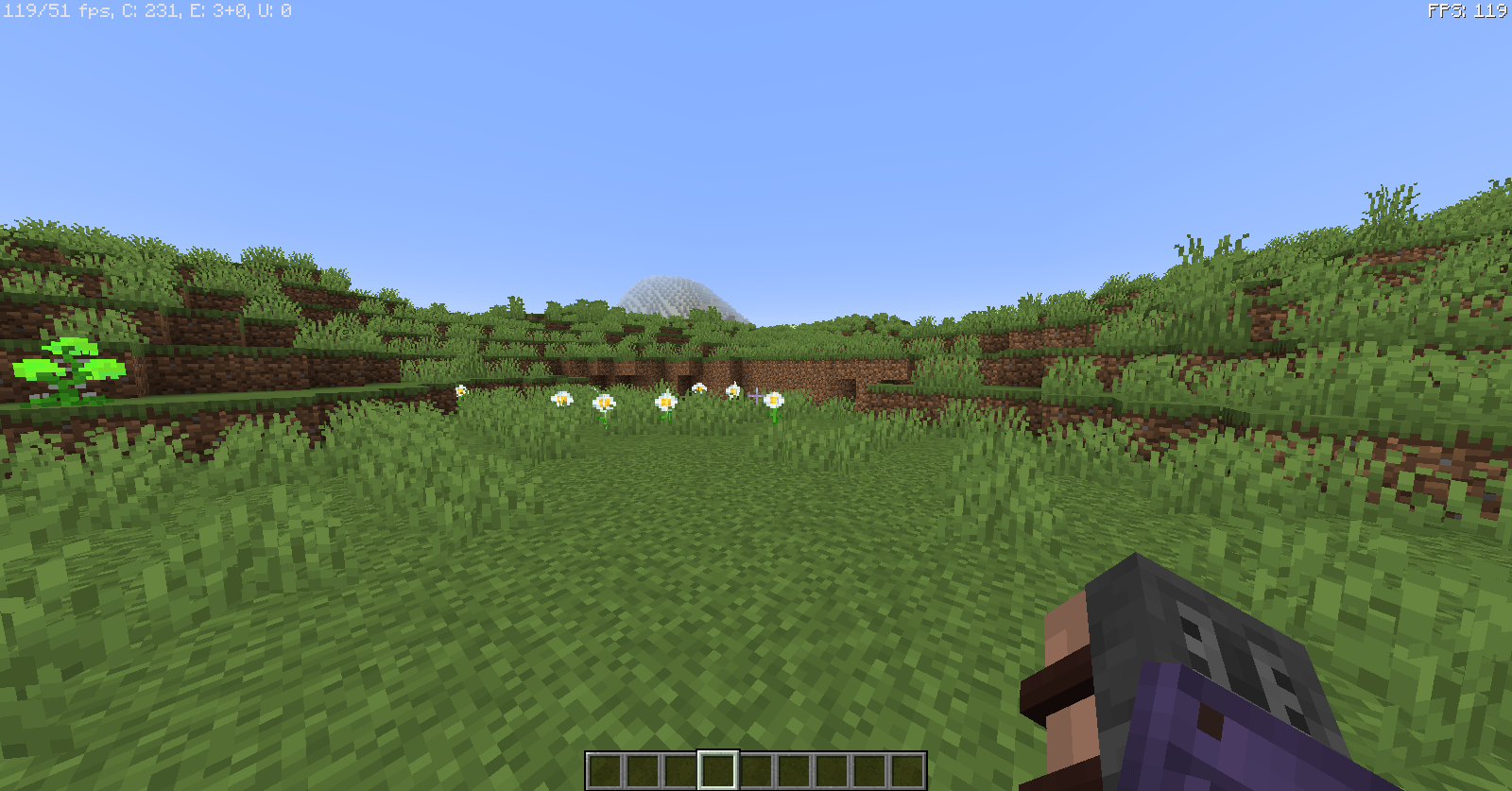
Armored Arms is a Minecraft mod that adds a new dimension to the gaming experience by allowing the display of armor in first person. This mod is a must-have for those who want to customize their avatar and enjoy total immersion in the world of Minecraft. With Armored Arms, the armor you equip will be shown in your hands, allowing you to see the enchantments and details of each piece while playing.
One of the standout features of Armored Arms is its compatibility with most armors in the game. You can enjoy this visual enhancement without worrying about incompatibility, as the mod adapts to different types of armor. Additionally, it offers settings that allow you to disable the display of armor in your hands if you prefer, adding an extra layer of customization to your experience.
The mod also includes options to adjust the scale of the armor in your hand, allowing it to look more proportionate and appealing. For example, you can modify the armor size from 1.0 to 0.4, significantly improving the visual aesthetics. If you find any armor you do not want to see in your hands, you can add it to a blacklist so it won't render, ensuring you only show what you really want.
Armored Arms is compatible with most mods and works seamlessly on multiplayer servers. This means you can enjoy this visual enhancement in both your single-player worlds and your adventures with friends. Moreover, if you encounter any issues, the developer is available on GitHub and Discord to resolve any inconveniences you may have.
If you are looking for a way to enrich your experience in Minecraft and make your character look even more impressive, do not hesitate to download Armored Arms. This mod is an excellent addition for any player who wants to take their game to the next level and enjoy a unique visual style.
Screenshots13
Main File
ArmoredArms-v1.3.8-1.7.10-release.jar
Recent Files
View all →Minecraft 1.20
ArmoredArms-v1.2.1-1.20.1-f+neof-release.jar
ArmoredArms-v1.2.0.1-1.20.1-f+neof-release.jar
ArmoredArms-v1.2.0-1.20.1-f+neof-release.jar
Minecraft 1.12
ArmoredArms-v1.5.1-1.12.2-release.jar
ArmoredArms-v1.5.0-1.12.2-betta.jar
ArmoredArms-v1.4.7-1.12.2-release.jar
Minecraft 1.7
ArmoredArms-v1.3.8-1.7.10-release.jar
ArmoredArms-v1.3.7-1.7.10-release.jar
ArmoredArms-v1.3.6-1.7.10-release.jar
Frequently Asked Questions about Armored Arms - Customize Your Experience with Armor
How to install Armored Arms - Customize Your Experience with Armor?
To install Armored Arms - Customize Your Experience with Armor, you first need to have Minecraft with Forge/Fabric installed. Download the mod's .jar file and place it in the 'mods' folder of your Minecraft directory. Restart the game and the mod will be available.
What Minecraft versions is Armored Arms - Customize Your Experience with Armor compatible with?
Armored Arms - Customize Your Experience with Armor is compatible with Minecraft versions 1.20.1, 1.12.2, 1.7.10.
Is Armored Arms - Customize Your Experience with Armor free?
Yes, Armored Arms - Customize Your Experience with Armor is completely free. You can download it directly from this page or from CurseForge.
🔗 Related Mods
🚀 Create your Minecraft Server
Compatible with all mods
Statistics
Downloads
325.6K
Popular Ranking
#4879
Information
Created
August 21, 2025
Updated
June 8, 2026
Authors
Artur114